35
Smart Surveillance
1-2-5� Scene
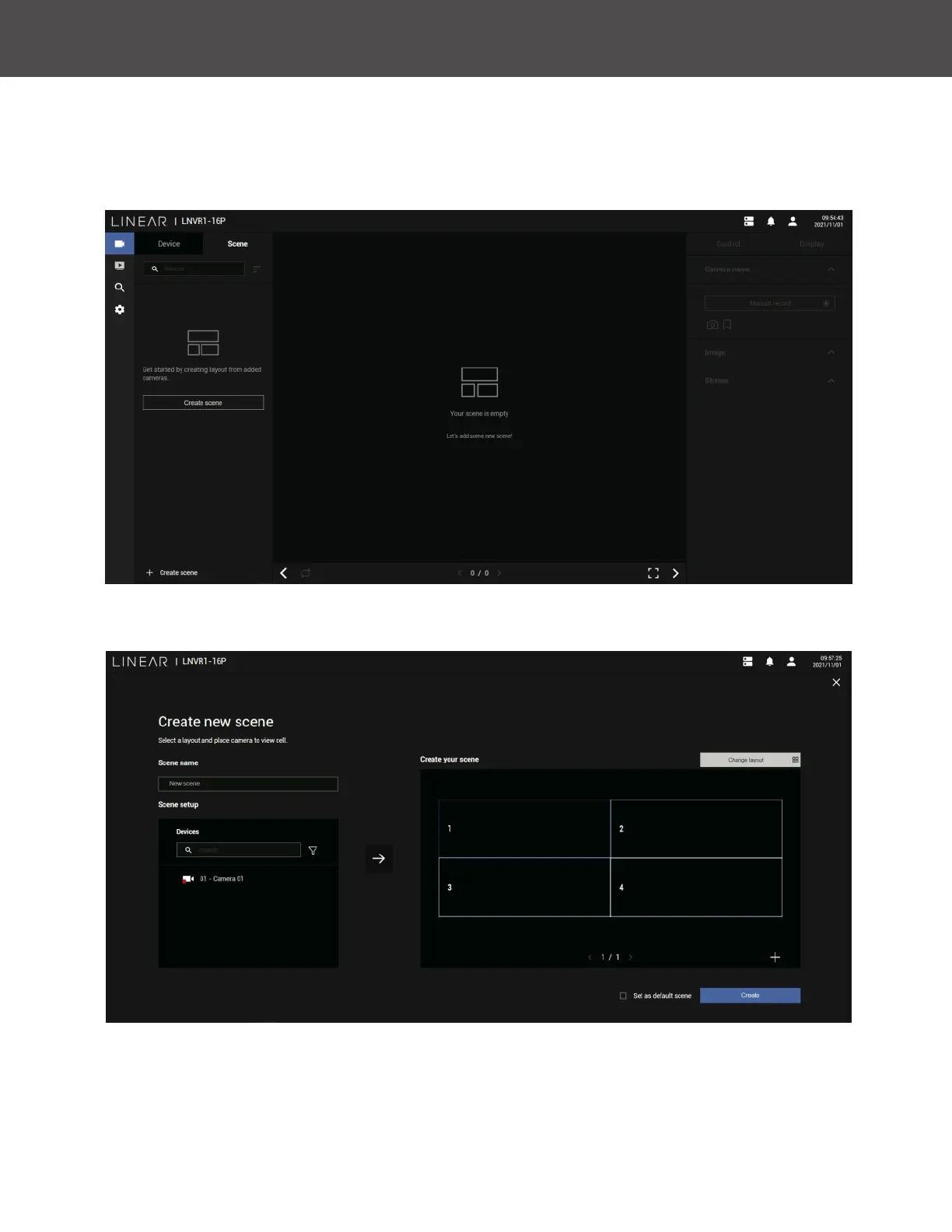
A scene allows users to gather the live views from multiple cameras together into a comprehensive
view� For example, several cameras may have been installed to cover a specic area�
To create a new scene, click on the Create Scene button�
You can change layout, enter a name for the new scene, and click and drag cameras into the
layout� When done, click the Create Scene button�
In the Scene view, you can place one camera into multiple view cells� This applies when using
cameras with a wide coverage area, such as sheye or multi-lens cameras�



 To Next Page