126
3-5-18� Settings - User
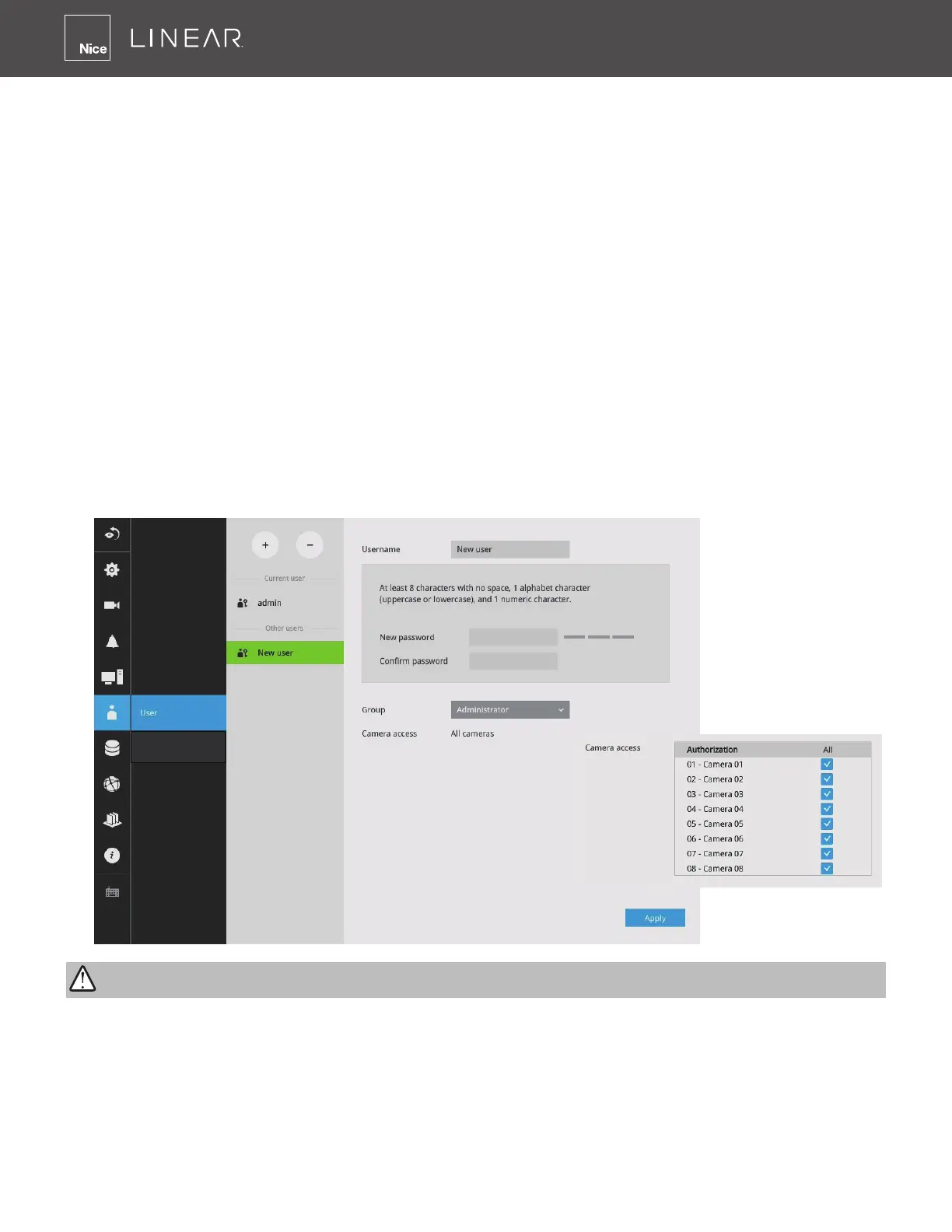
The User window allows you to create more users, change user password and place limitations
on users’ privileges and administration rights� Up to 16 users can be created, including the default
administrator�
1� By default, there are two user groups: Administrator and Regular user�
2� The regular users cannot access the Settings window, meaning that regular users can not add
or remove cameras, make changes to alarm, network and all other system settings�
3� When users try to access the Settings window, the login window prohibits regular users to log
in� There is simply no regular user’s name on the login window�
4� The administrator users can access all cameras recruited in the conguration; while the regular
users can be congured to have access to some or all cameras�
5� The system blocks out the video feeds from users who are denied of the access to particular
cameras� The alarms and the alarm-triggered recordings from those cameras will also be
inaccessible for unauthorized users�
The default administrator name and password are: admin and linear� For security purposes during
initial setup the system will force a password change�
Login / Logout
IMPORTANT:



 To Next Page