68
Chapter 3: Conguration Using the Local Console
The Main Control Portal
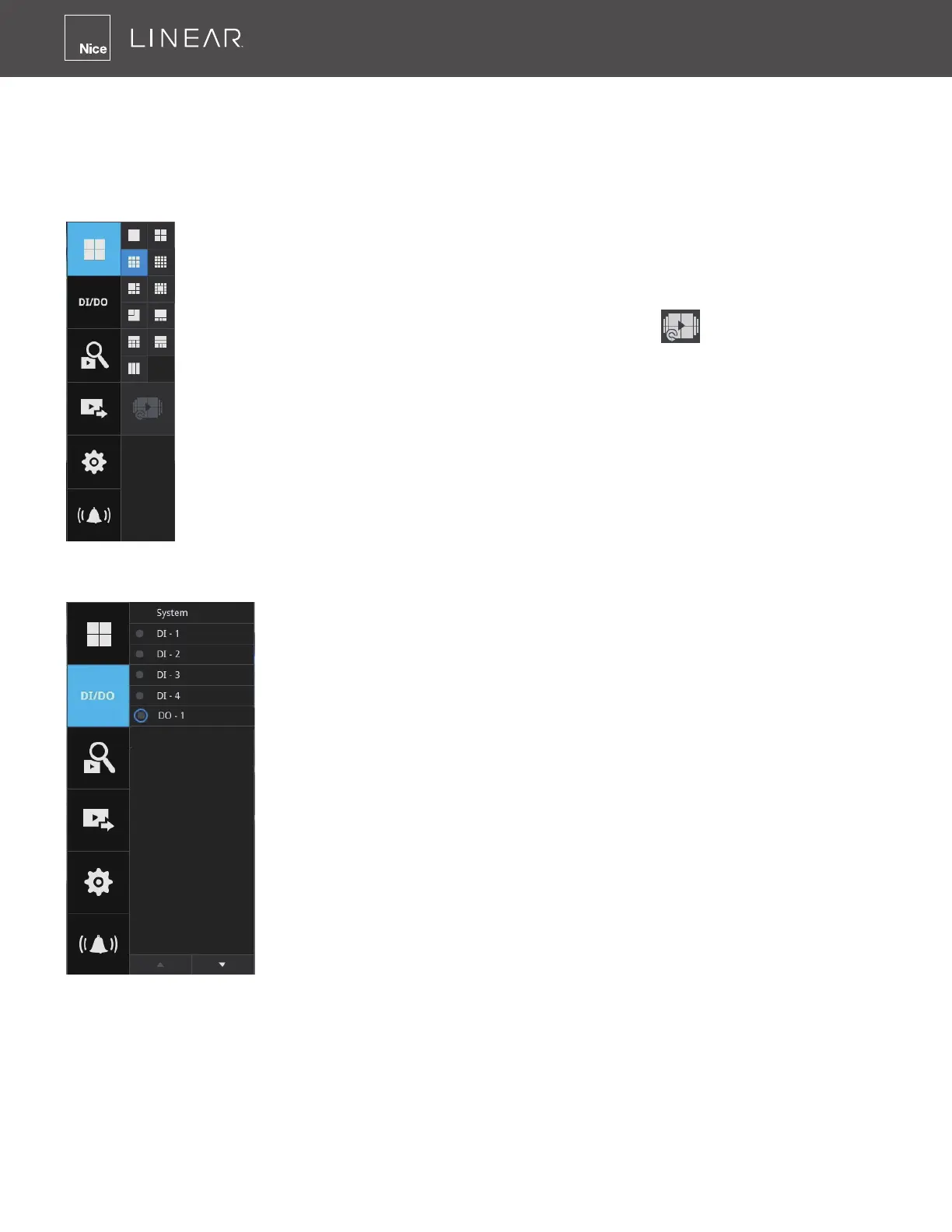
3-1� Layout
Move your mouse cursor across the screen to display the portal�
By default, 5 typical layouts are provided for the user� They include: 1x1, 2x2, 3V,
3x3, 4x4, 1P+3, 1M+5, 1P+6, 2P+3 and 1M+12 (LNVR1-16P)� 1x1, 3V, 2x2, 3x3,
1P+3, 2P+3,1M+5, 1P+6 (LNVR1-08P)�
If you select the single view layout, the Rotation button
will appear� Click the
Rotation button below to let the system swap the display of different cameras by
every 10 seconds� The rotation speed is congurable via Settings > System >
Display�
3-2� DI/DO
Click on the DI/DO button to display the full list of all DI and DO
signals (whether they are connected or not) from all cameras in the
conguration� The indicator will turn solid white when a digital input
signal is triggered�



 To Next Page