67
Smart Surveillance
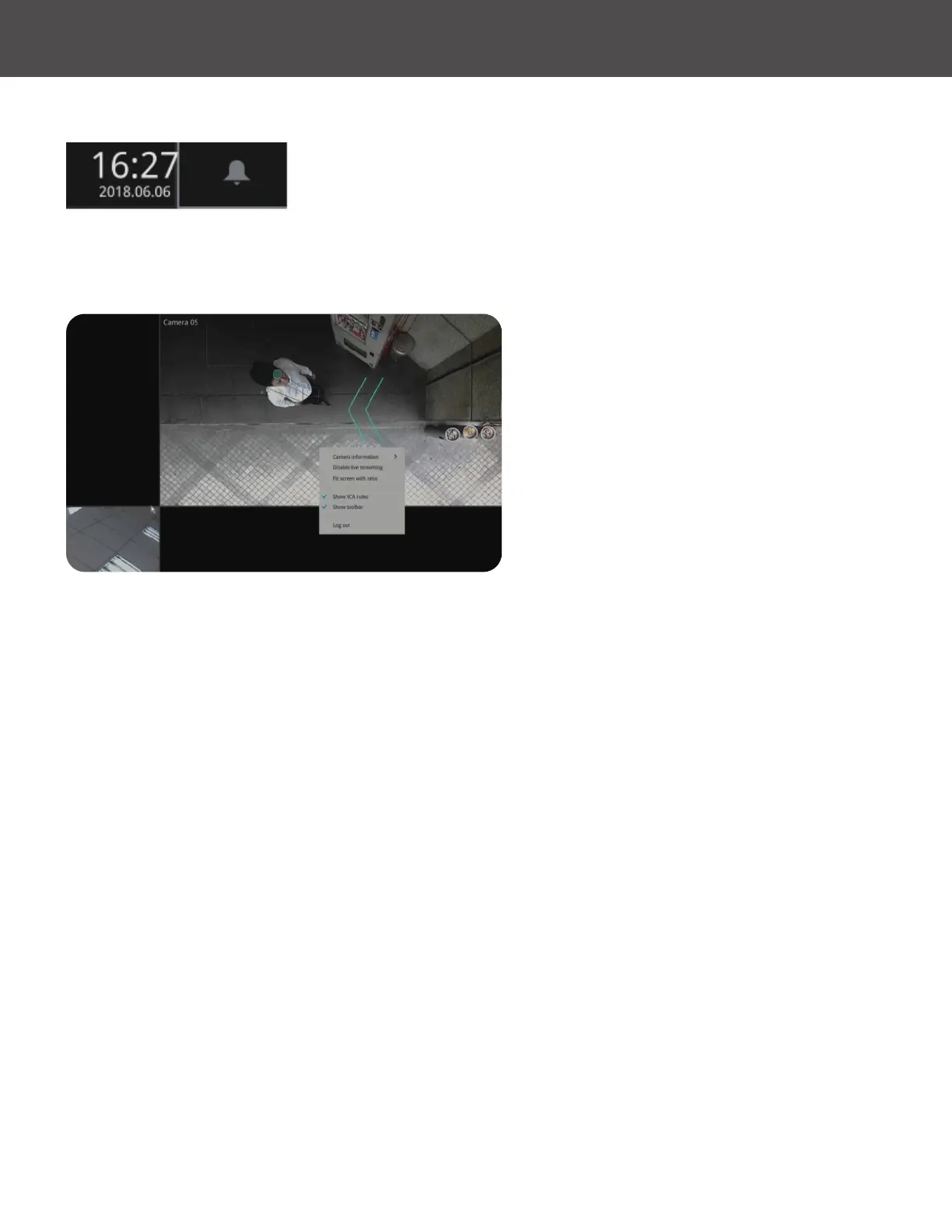
A time tab is displayed at the lower center of the screen� You can move your cursor to the lower
center to display the time tab and the alarm panel�
For the 3D counting cameras, right-click on its view cell to display the counting rule option� You
can enable the display of counting lines, and the bounding boxes for detected objects�
Note that the NVR supports the connection
of up to 4 counting cameras� The VCA rule
displays only on the 2x2 layout�



 To Next Page