150
5-1-5� Events Panel
To receive events from cameras, you need to congure event triggers in the Settings > Event
conguration window (see page 109)� Network cameras’ digital inputs, digital outputs or motion
detection can all be used to detect conditions in external environments� You can congure
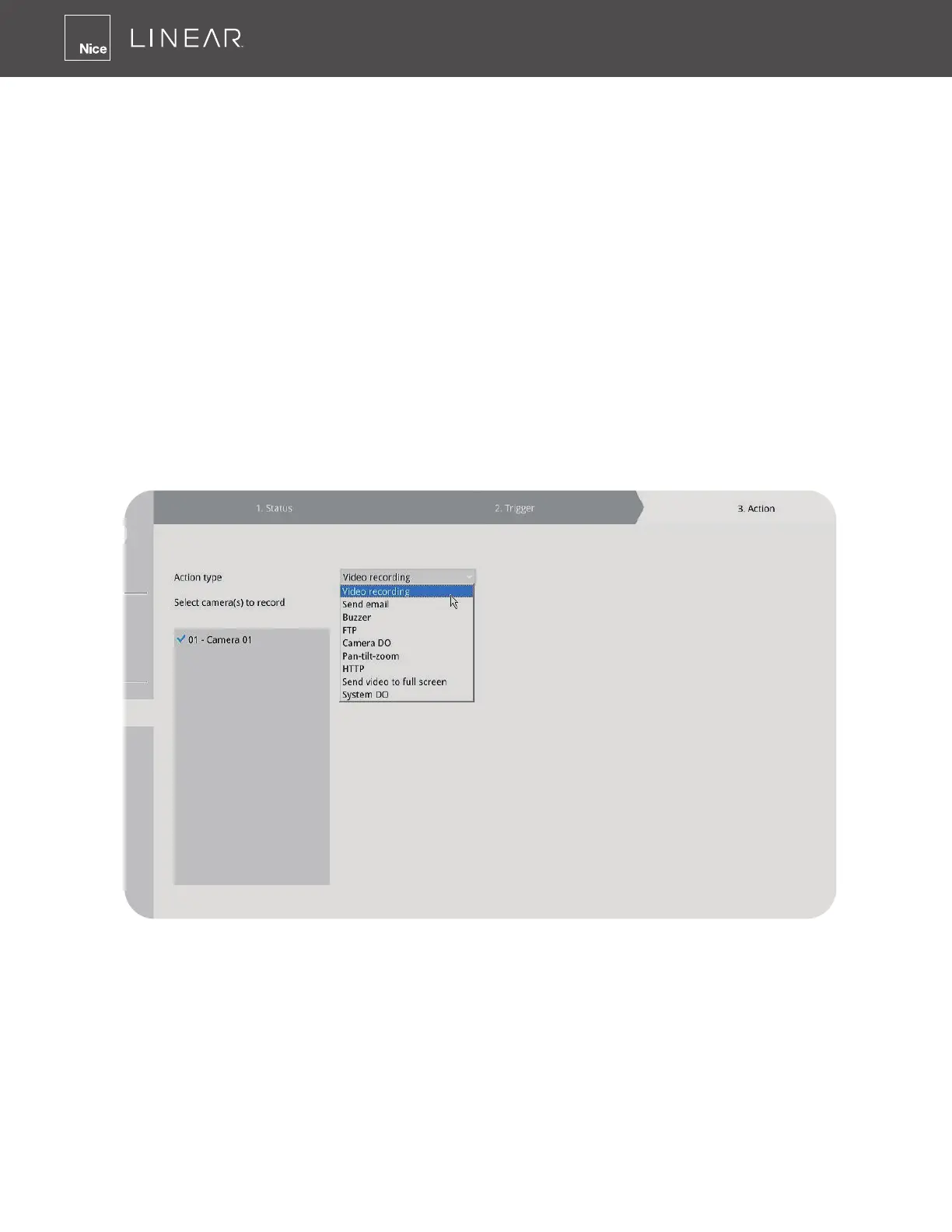
certain kind of actions to take place in response to the alarms, such as:
» Recording the immediate image
» Sending an Email notification
» Sounding the on-board buzzer
» Sending snapshots to an FTP server
» Sending videos to a web server
» Moving camera lens to a preset location
» Triggering a camera’s digital output�
The operation details of the Alarm panel and Alarm Playback utility have been described on
page 154�



 To Next Page