153
Smart Surveillance
5-2-2� Past Events and Bookmarks
When you selected a day that events took place on a camera, the events will be listed on the
Event panel�
You may then:
1� In Thumbnail or List View, click the Play button of the recorded video� The Playback window
will then play back the video recorded by the time of the occurrence�
2� If you select the Playback button on the video window, the view will change to a full screen
playback window�
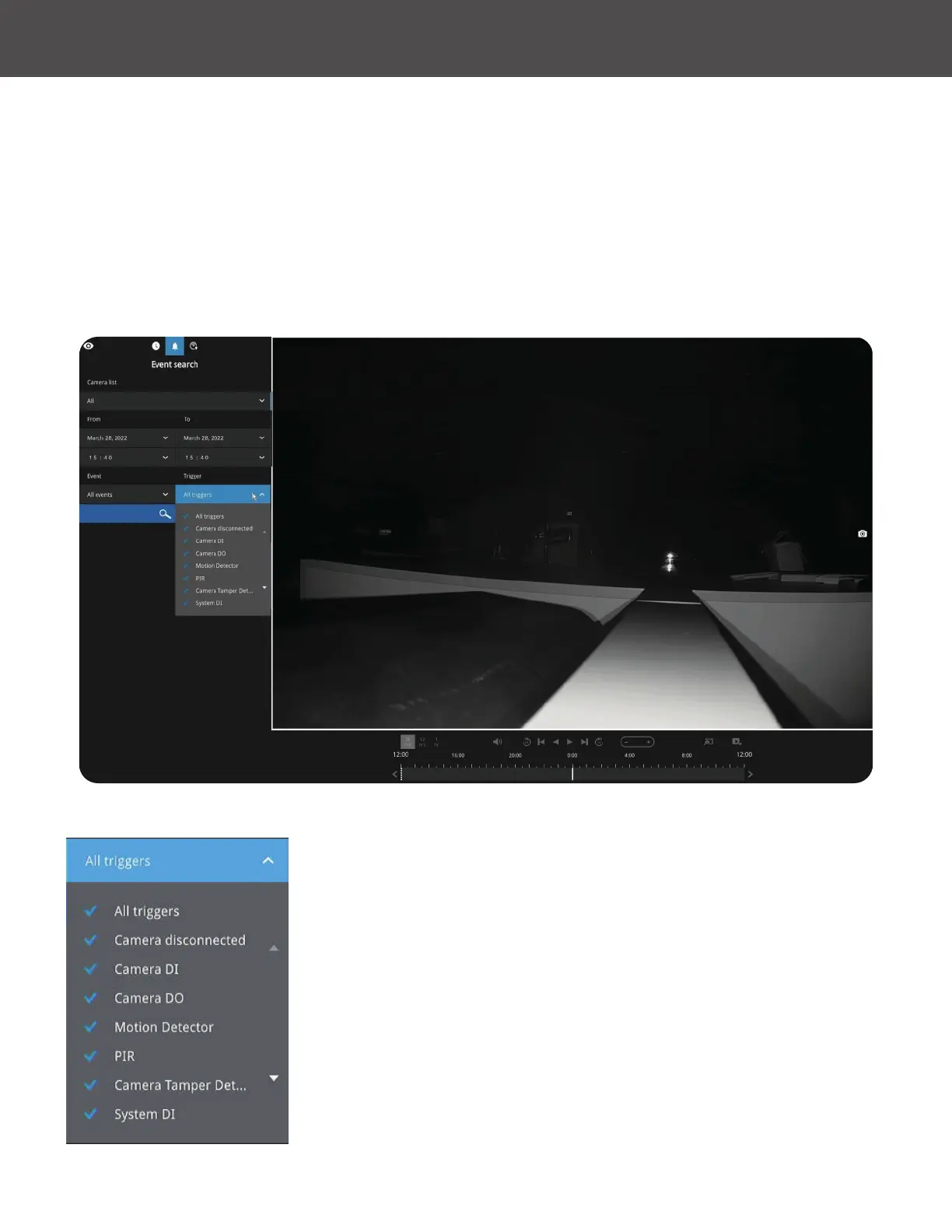
If you set up multiple triggering sources on a camera, you can
use the Event Filter button to nd the alarms of a specic type�
You can select the types of listed events using search criteria,
such as Motion Detector, Camera DI, Camera DO, Camera
Tamper Detection, PIR, etc� You can also select All Triggers to
include them all�



 To Next Page