151
Smart Surveillance
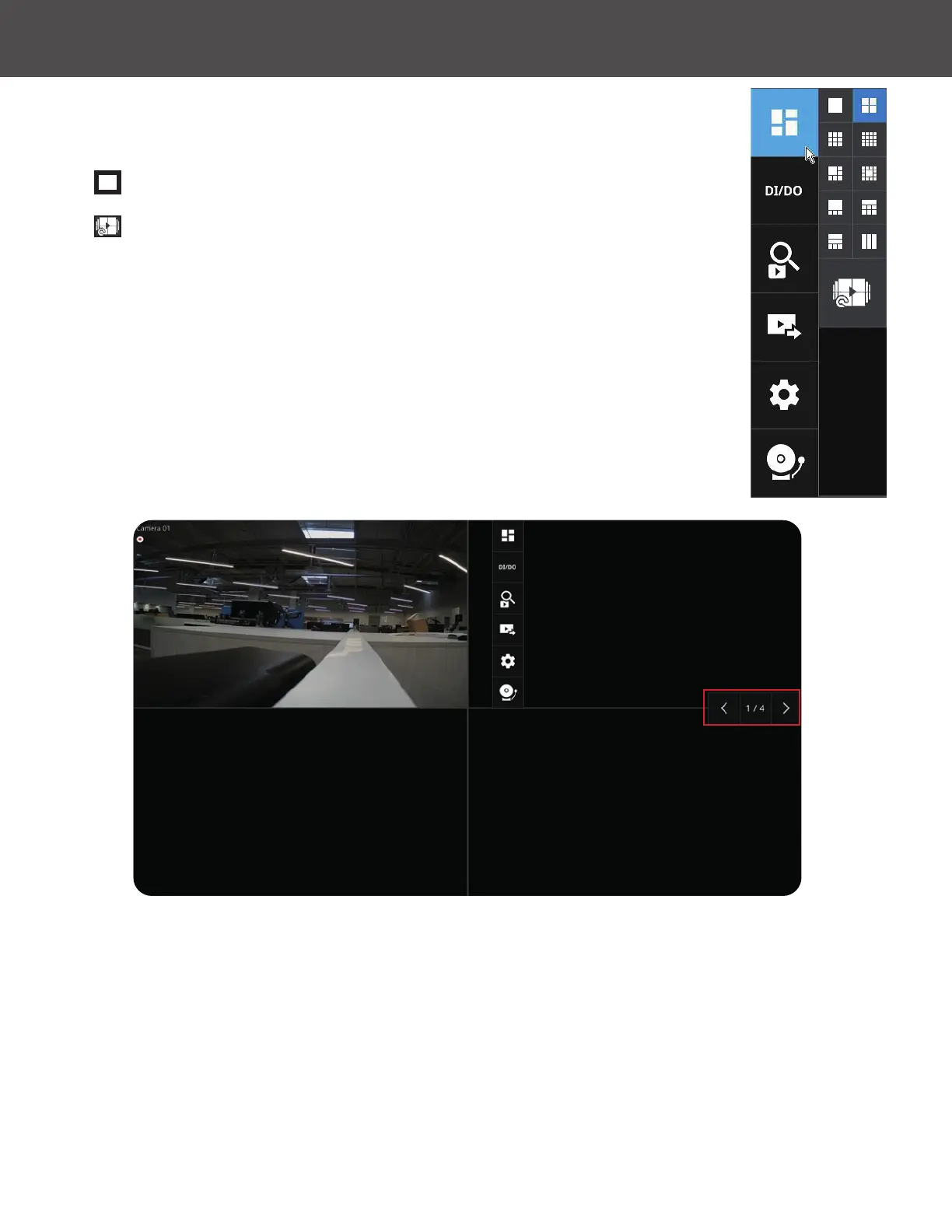
5-1-6� Layout view Control Buttons
At the bottom of the view screen are control buttons for the view layout, view
rotation, full screen view and left/right arrows to show/hide the left/right panels�
1�
This button extends the current layout to the full of the screen�
2�
The Rotate function lets system display successive pages in a user
layout by the
intervals of 10 seconds� The layout page that does not contain
camera views will be skipped�
A Rotate action will stop when you:
» Move to another page in the user layout�
» Move to another user layout�
» Click to select a view cell�
» Remove a camera from view cell�
» Click to disable the rotation function�
When your current layout spans across multiple pages, use the arrow buttons to switch from one
page to another� The index number of the current page will be shown between the arrow buttons�



 To Next Page