156
5-2-5� Time Search
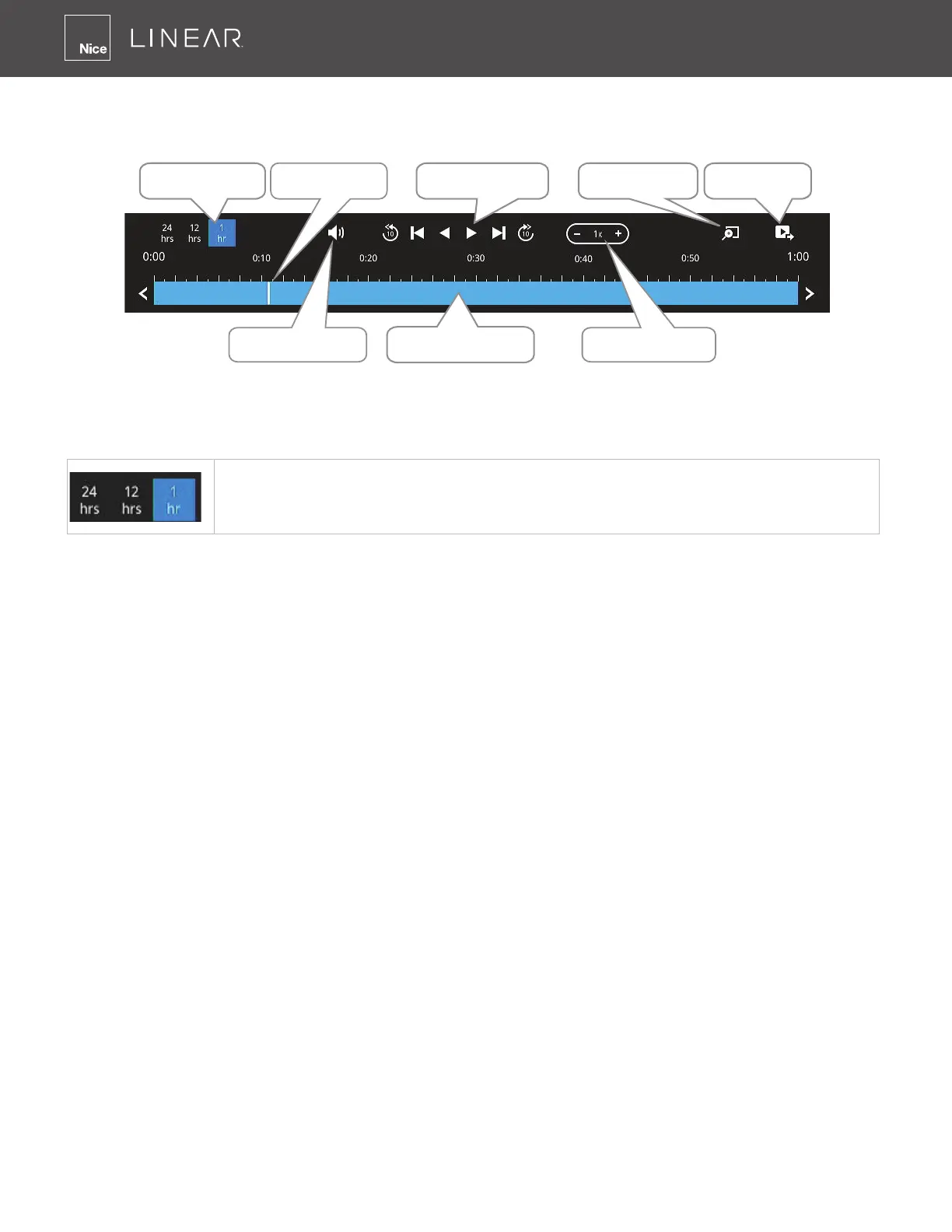
Use the time line area to nd the nearest recording from a specic point in time�
Timeline slider
Playback Speed
Audio Volume
Span of existing
recording
Control buttons Digital Zoom Export Clips
Adjust Timeline
hours
If the need arises to more accurately pin-point the occurrence of an event, you can use the
Timeline zoomer and the slider thumb on the time line for a closer view into the existing recording�
Timeline hours� Use this option to reduce or increase the hour(s) [1, 12 or 24
hours] displayed in the timeline�
In the Synchronous play mode, a change to the zoomer will be reected by all synchronously
playing view cells�
If recordings take place by an event-triggered recording, the intervals between recordings can be
down to 1 minute, and the individual recordings will not be easily discernible� In this situation, you
can mouse over the timeline to pin-point individual recording instances�



 To Next Page