73
Smart Surveillance
3-3-2� Alarm Search
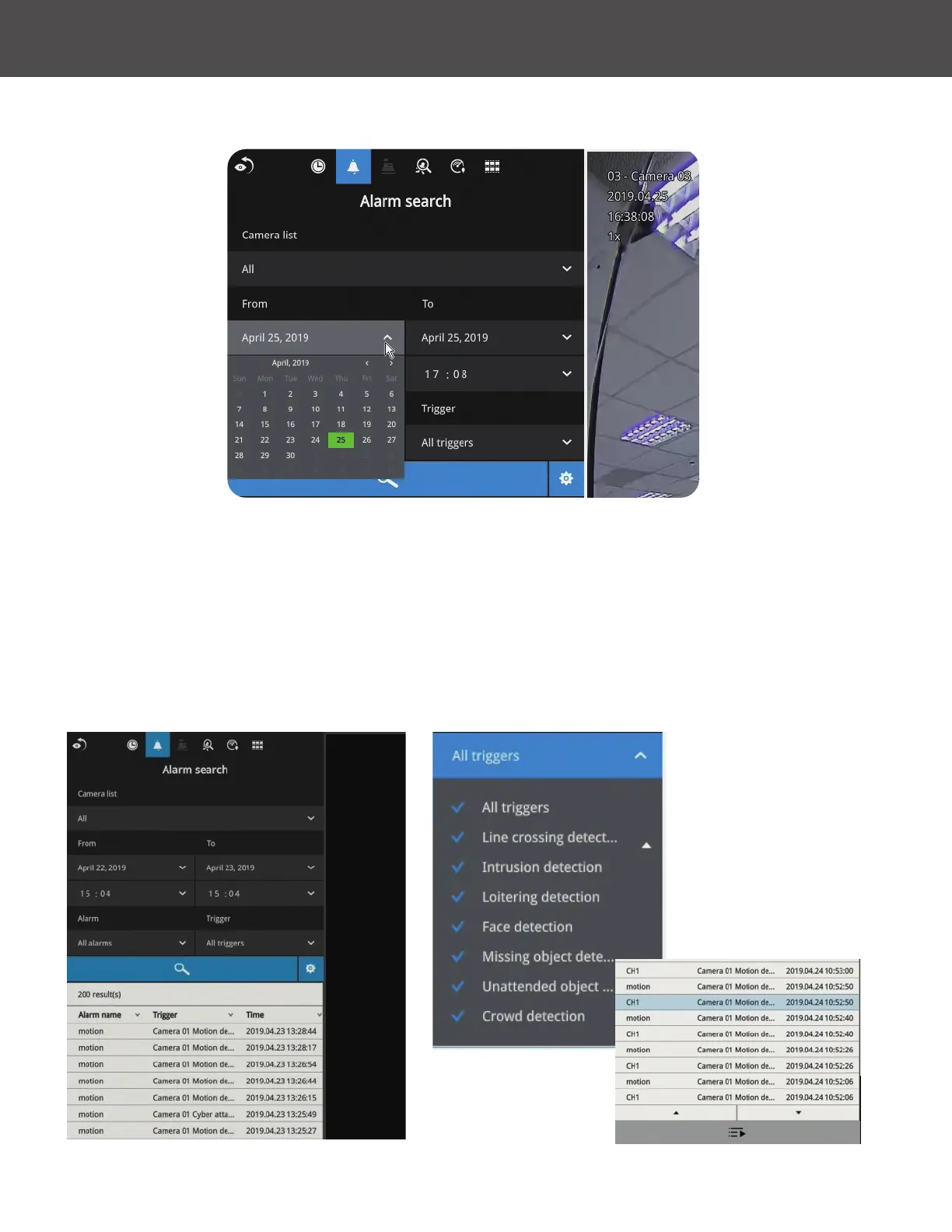
Click on the Alarm search tab on the upper left of the Search panel screen to enter the Alarm
Search window�
You can specify the search criteria by selecting the devices to be involved in the Alarm search�
1� Camera list�
2� The From and To time�
3� Pre-congured alarms, such as those associated with camera DI, motion detection or VCA
analytics triggers, etc�
4� Trigger: DI, DO, tampering detection, disk failure, cyber security events and VCA video
analytics events�
Use the combinations of these parameters to sort through the alarms�



 To Next Page