27
Smart Surveillance
Chapter 1: Login and Getting Started
1-1� Login
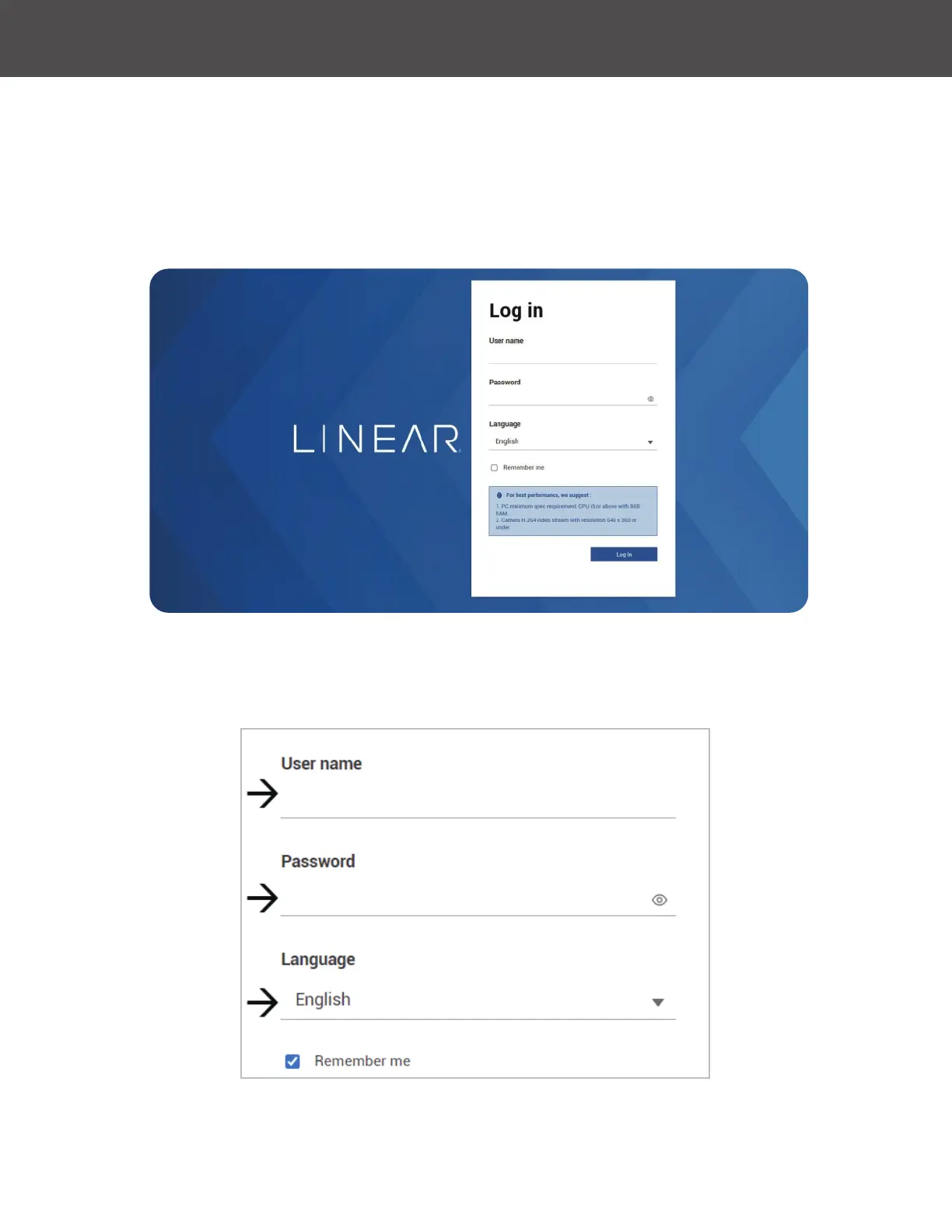
This is the login page on the browser� The minimum for resolution is 1280x960� Please use Google
Chrome to access the NVR� By default, the web console opens with the new user interface�
Please refer to Settings - User page to see how to prevent unauthorized access� The system will
prompt you if you entered an incorrect user name or password�



 To Next Page