54
2-1� How to Begin
1� How to access the Conguration Portal?
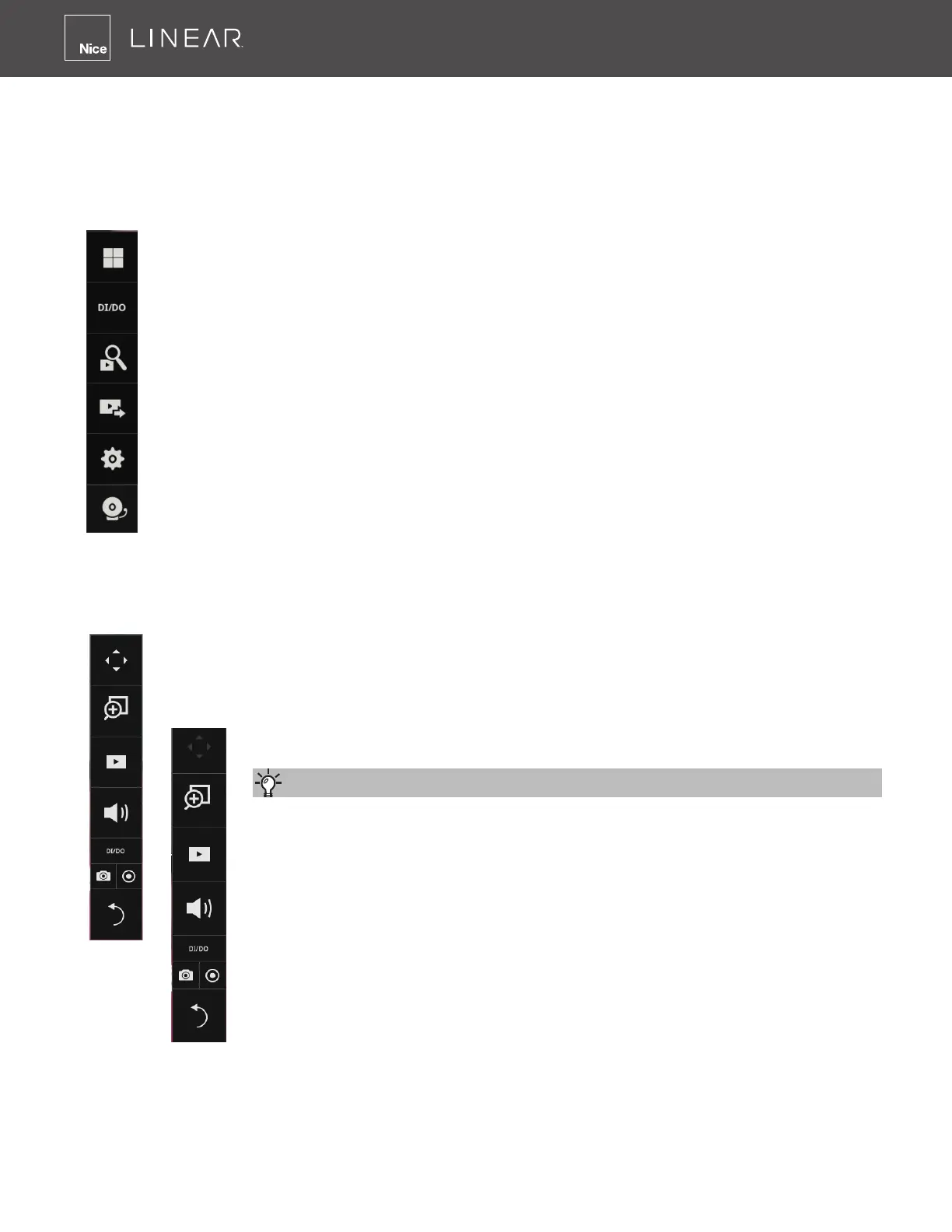
Make sure a mouse is attached to your NVR� Move your mouse cursor, and the Conguration
Portal will appear on screen� For all the congurable options available through this portal, please
refer to Chapter 3 on page 68�
2� How to access the Camera Portal?
Single click to select a camera view cell, the Camera Portal will appear� The system automatically
detects the characteristics of an individual camera when you select a view cell�
This portal appears with a camera that supports mechanical PTZ�
This portal appears with a camera that does not support mechanical PTZ�
Here are some operation steps using the tool bar:
1� Single-click to select a view cell and bring out the tool bar�
2� Double-click to expand a view cell to the full view�
3� Double-click again to shrink the view cell to the original size�
Tips:



 To Next Page