155
Smart Surveillance
5-2-4� Export media
To export video clips:
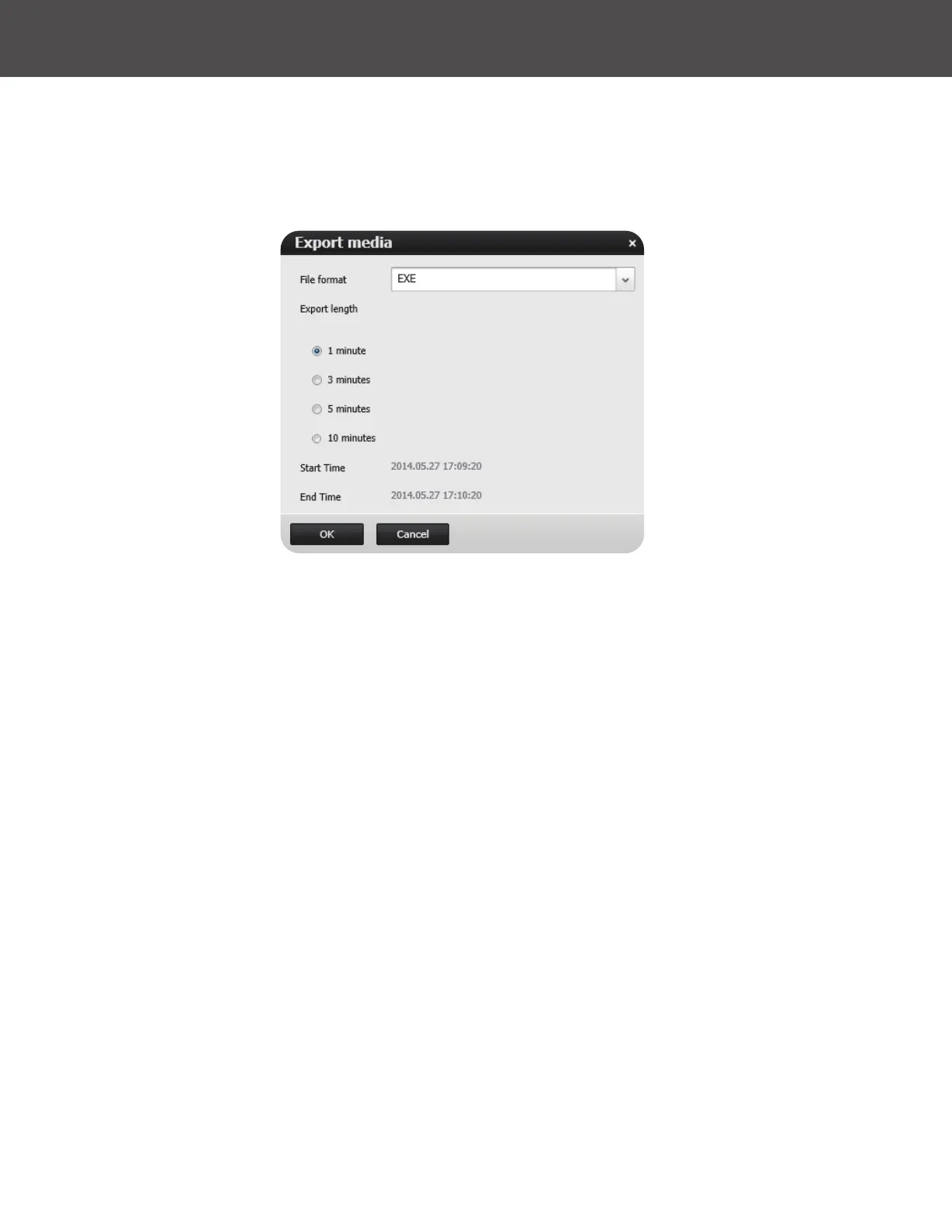
1� Click on the Export button at the bottom right of the video image, while the Playback window
is playing a video section of your interest�
2� An Export media window will prompt�
The le will be exported and compressed as a �tar le�
The le name will be CamearName_Date_Time_Clip.tar�
3� Select the directory to where to save the le�
4� Use an appropriate decompression utility to uncompress the le� Once uncompressed you can
use the supplied VMS viewer application provided in the le or VLC to view the video export�



 To Next Page