25
Smart Surveillance
Power Up and Power Down
To power up and power down:
On the initial conguration:
1� Connect the power cord between the system and power outlet�
2� Turn on the system using the power switch on the back of chassis�
After the initial connection:
3� Use the Power Down button on the lower right corner of the Settings page� The system should
start ushing the cached contents in system memory and shut down� You should then ip the
Power Switch button on the back of chassis to completely shut down the system�
4� Press the Reset button for longer than ve (5) seconds can restore system defaults� The Reset
button is located on the NVR system board (see page 13)�
1� No storage system is completely fail-safe� Damage to data might occur due to le system
corruption, operating system malfunction, virus infection, HDD component failures and so on�
Therefore, it is highly recommended to regularly back up your data� Data loss or recovery is not
the responsibility of Nortek Security & Control�
2� Always power off the system using the Power button on the back of chassis� The system is
powered off when you observe that all LEDs go off� Do not disconnect the power cord while
the system is still operating� Doing so will result in data inconsistencies� The normal power-off
procedure allows cached data to be written to disks�
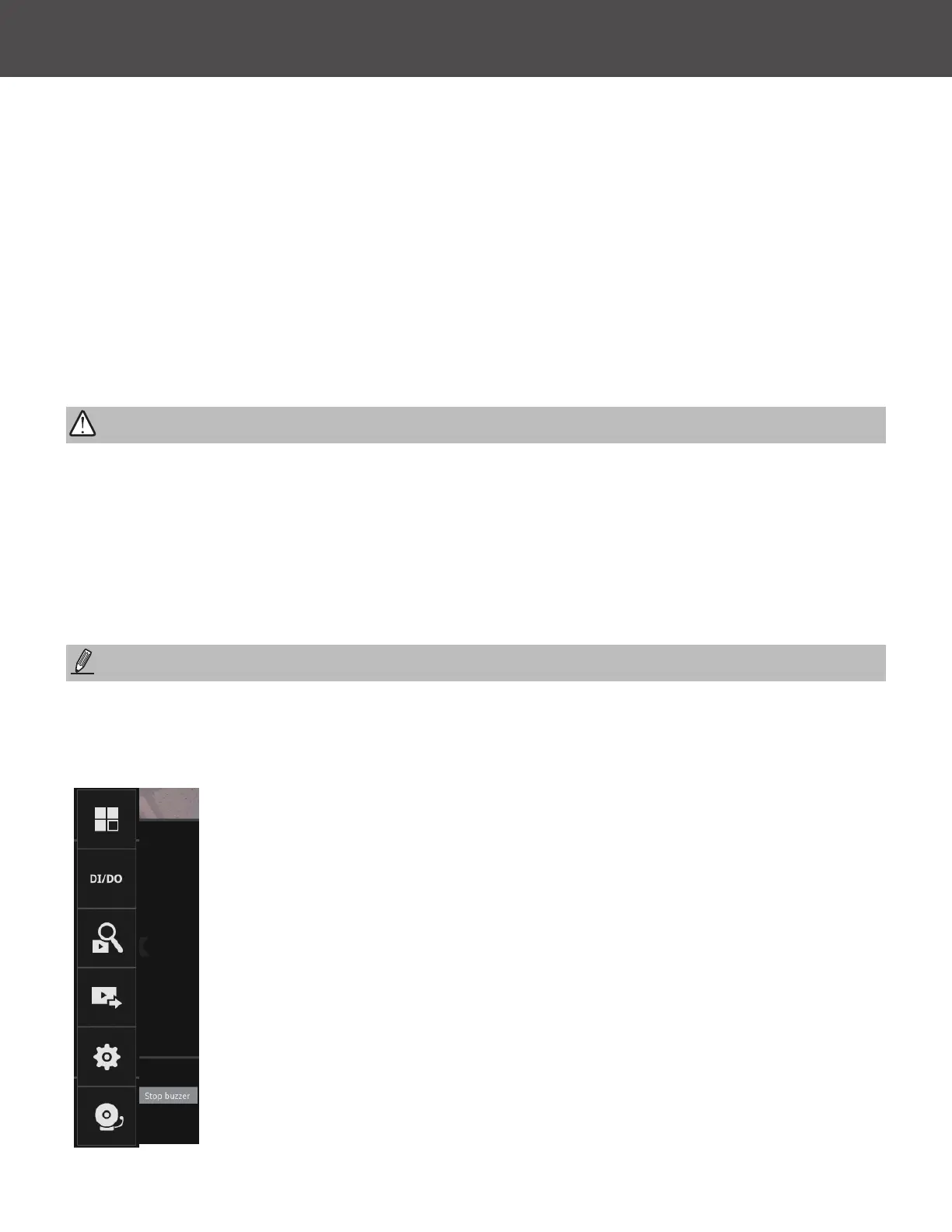
If system buzzer is sounded, move your mouse cursor to reveal the main screen portal, and then
click on the Stop buzzer button�
Serious system faults, such as a missing volume, can trigger the system buzzer� Verify the cause
of system fault and turn off the buzzer�
NOTE:
WARNING:



 To Next Page