48
This search panel enables the search for the detection results from Smart VCA analytics functions�
They include:
• Line crossing detection
• Intrusion detection
• Loitering detection
• Face detection
• Missing objection detection
• Unattended object detection
• Crowd detection
The event search takes effect when the related cameras are currently recording videos to the NVR�
The search function helps sorting through hours of videos, enabling you to quickly nd a person
or an event of your interest� This facilitates an effective search for a deployment across large
surveillance areas� VCA events are recorded along with video recordings�
The NVR automatically detects cameras that come with the video analytics functionality� Note that
the video analytics conguration should be separately congured on individual cameras; such as
drawing the detection zone and detection line for Line-crossing detection�
You may also refer to the following documentation for more information about video analytics:
1� Smart Motion Detection User Guide�
2� Smart VCA User Guide�
3� Smart 360 User Guide�
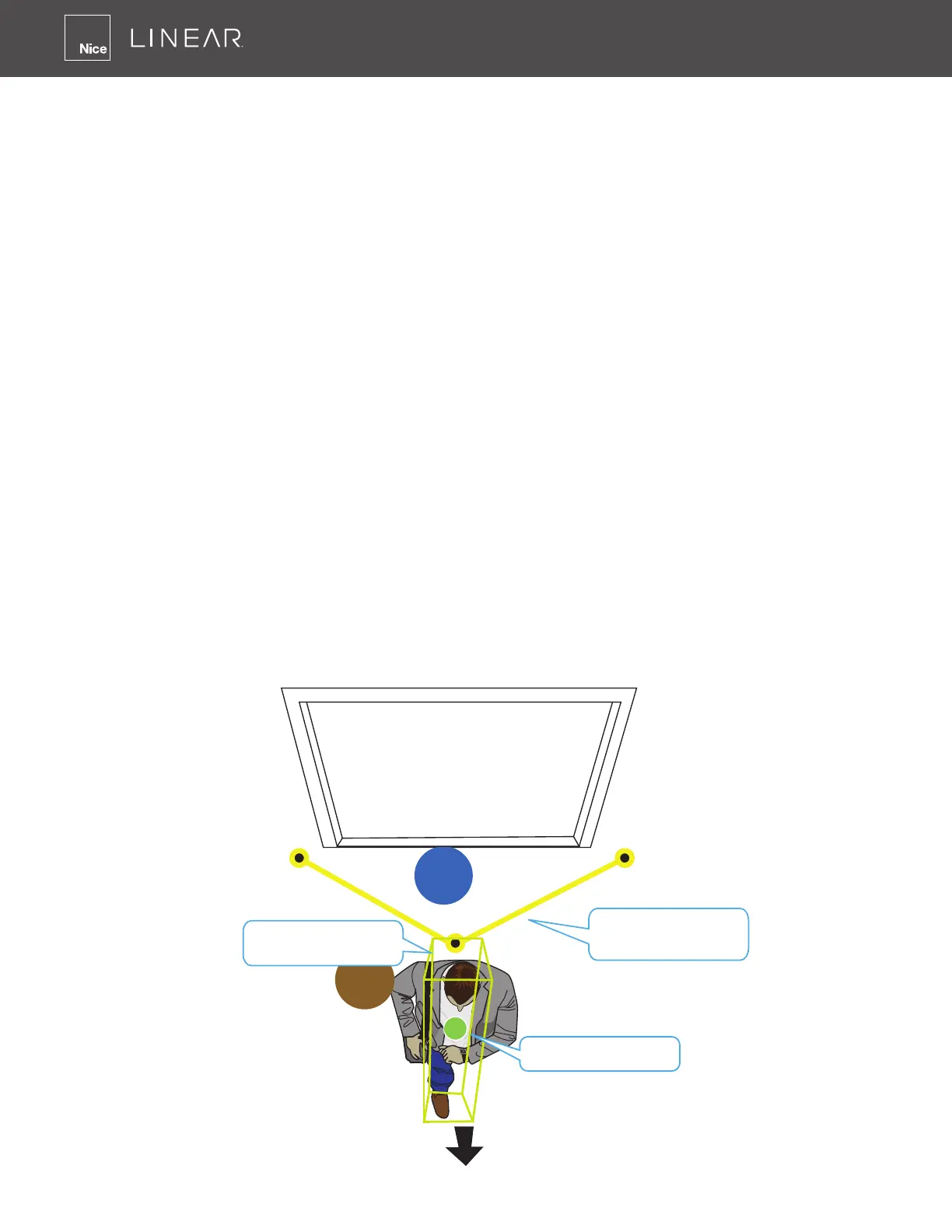
On the live view, you can also see the analytics rules and the bounding boxes indicating the
detected objects while the analytics is taking place�
Out
In
Detected object
Tracking block /
Bounding box
Visual identifier
Detection line or
Detection zone.



 To Next Page