97
Smart Surveillance
Video
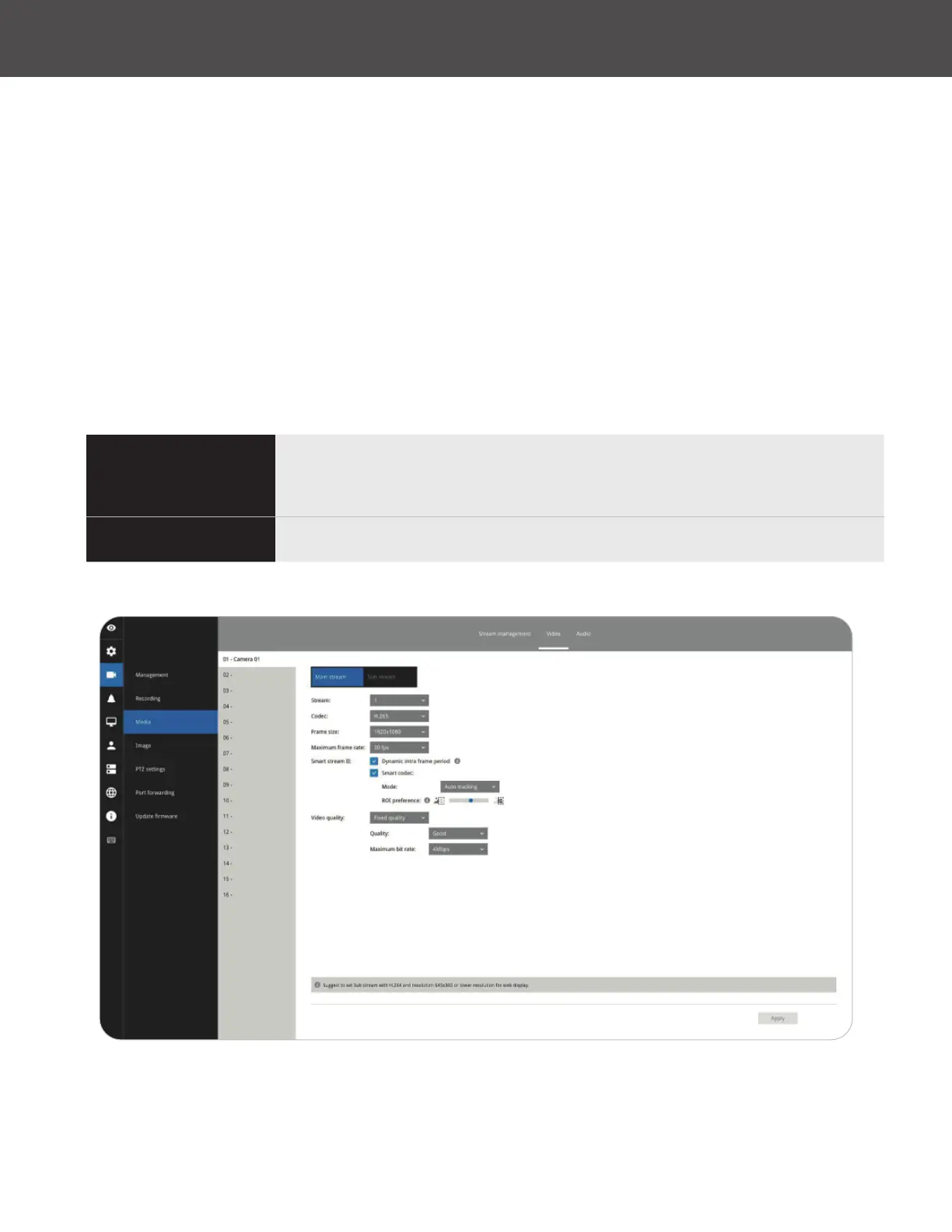
The Video window allows you to congure all video streams (the no� of stream available can be
different for different models)� You can congure the following:
1� Codec: video compression codec in H�264, MPEG-4 or MJPEG� Note that MPEG-4 is not
supported for Liveview�
2� Frame size: video resolution� Note that due to the limited CPU resources, you may not be able
to change the resolution to a very high value� For example, 5MP in the 1920x1920 resolution�
3� Maximum frame rate: the highest frame rate�
4� Intra frame period: How often an I-frame will be inserted into the video stream�
5� Smart Stream II: Some newer camera models come with Smart Stream features� Please refer
to page 99 for detailed information�
6� Video quality: You may either select Constant bit rate or Fixed Quality as the dening rules for
video transmission:
Constant bit rate
Places a packet size threshold on video frames; This guarantees
the frame rate per second performance, yet image quality can be
compromised if bandwidth is not sufcient in your network environment�
Fixed Quality
Guaranteed video quality and to ensure image quality, some frames may
be dropped when bandwidth is not sufcient�
When done with the conguration, click the Apply button�



 To Next Page