User Manual N11
Connectors and interfaces
Industrial PC
www.noax.comPage 52 of 120 3085-US-2.4
9.10
Front USB port / Side USB port
The nSMART™ software can be used to activate or deactivate the Front USB port / Side
USB port. When the port is deactivated, it is completely disconnected from the supply
voltage.
The Front USB port / Side USB port is activated as factory default setting.
The installed rubber cover and an additional internal seal prevent the ingress of liquids.
Caution
When not in use, seal the Front USB port / Side USB port with the rubber cover.
Spare rubber covers can be ordered via the noax hotline.
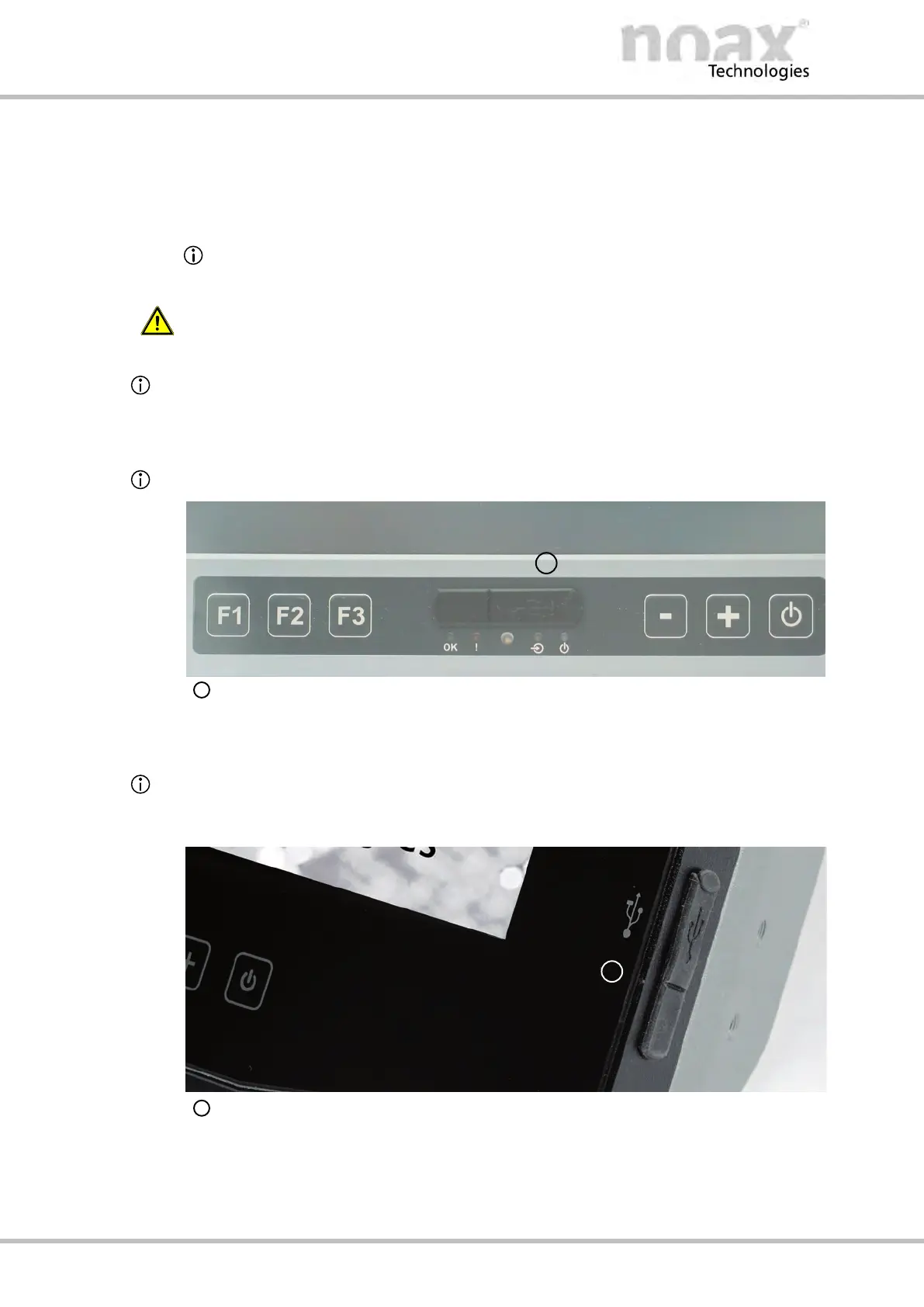
9.10.1 Front USB port
Available at enclosure types C12, C15, C19 and C21W
Front USB port
9.10.2 Side USB port
Available at enclosure types C12P and C15P
The Side USB port is located on the right side area of the enclose front.
Front USB port



 To Next Page