Chapter 4 Reprocessing Operations
75
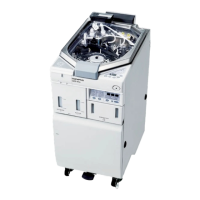
ENDOSCOPE REPROCESSOR OER-Pro Operation Manual
4.1 Power activation and opening the water faucet
If the Periodic Maintenance indicator on the main control
panel blinks, the time for regularly scheduled maintenance is
near. When the lamp starts to blink, be sure to contact
Olympus immediately and perform the maintenance. If you
do not know when the lamp started to blink, do not use the
device and contact Olympus. Otherwise, effectiveness of the
reprocessing may be compromised.
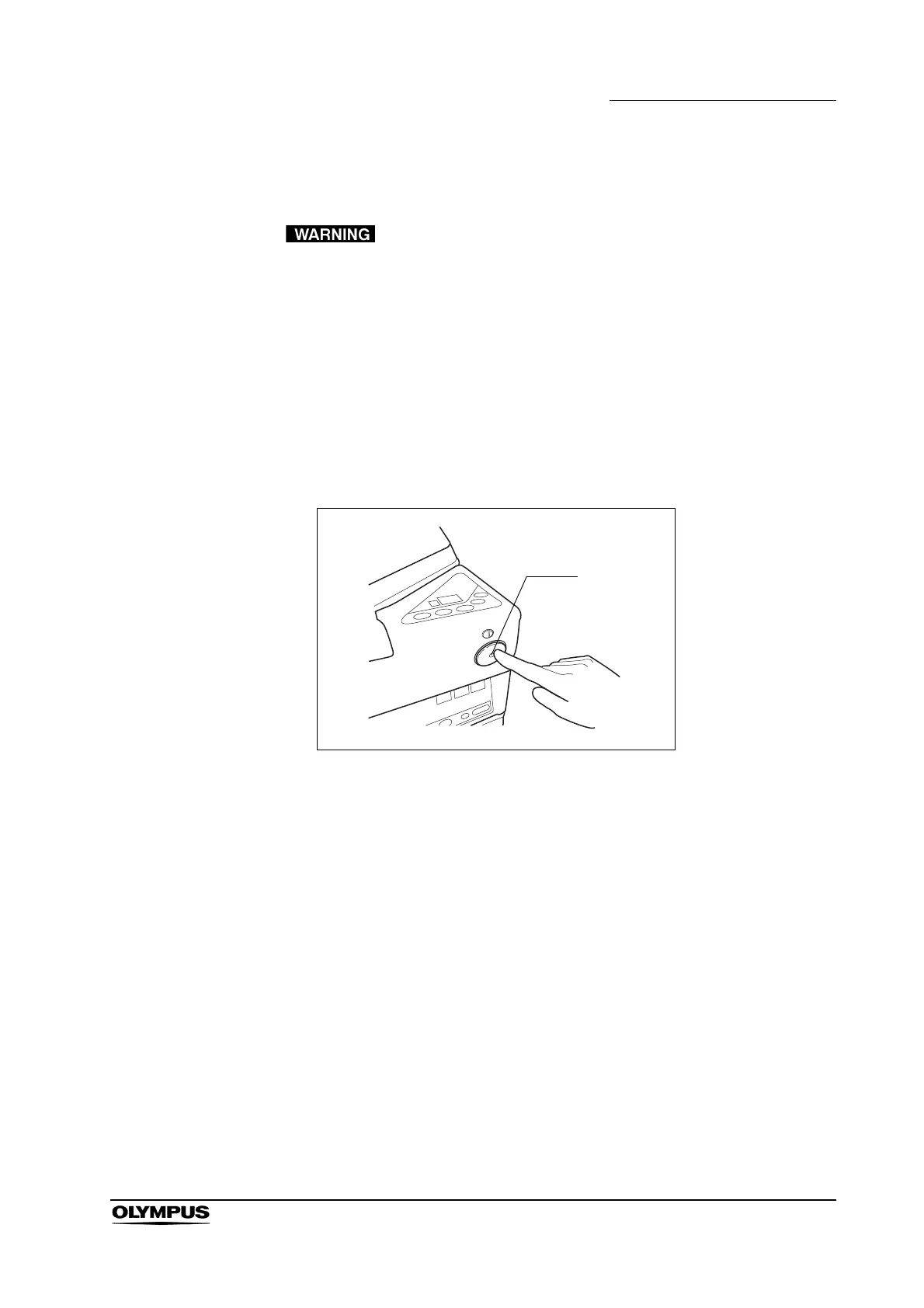
1. Press the power switch ON. When it is turned ON, the lamp (green) in the
power switch should light up and the main and subcontrol panel displays
should turn ON.
Figure 4.2


 To Next Page