Chapter 4 Reprocessing Operations
89
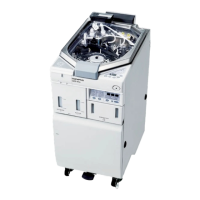
ENDOSCOPE REPROCESSOR OER-Pro Operation Manual
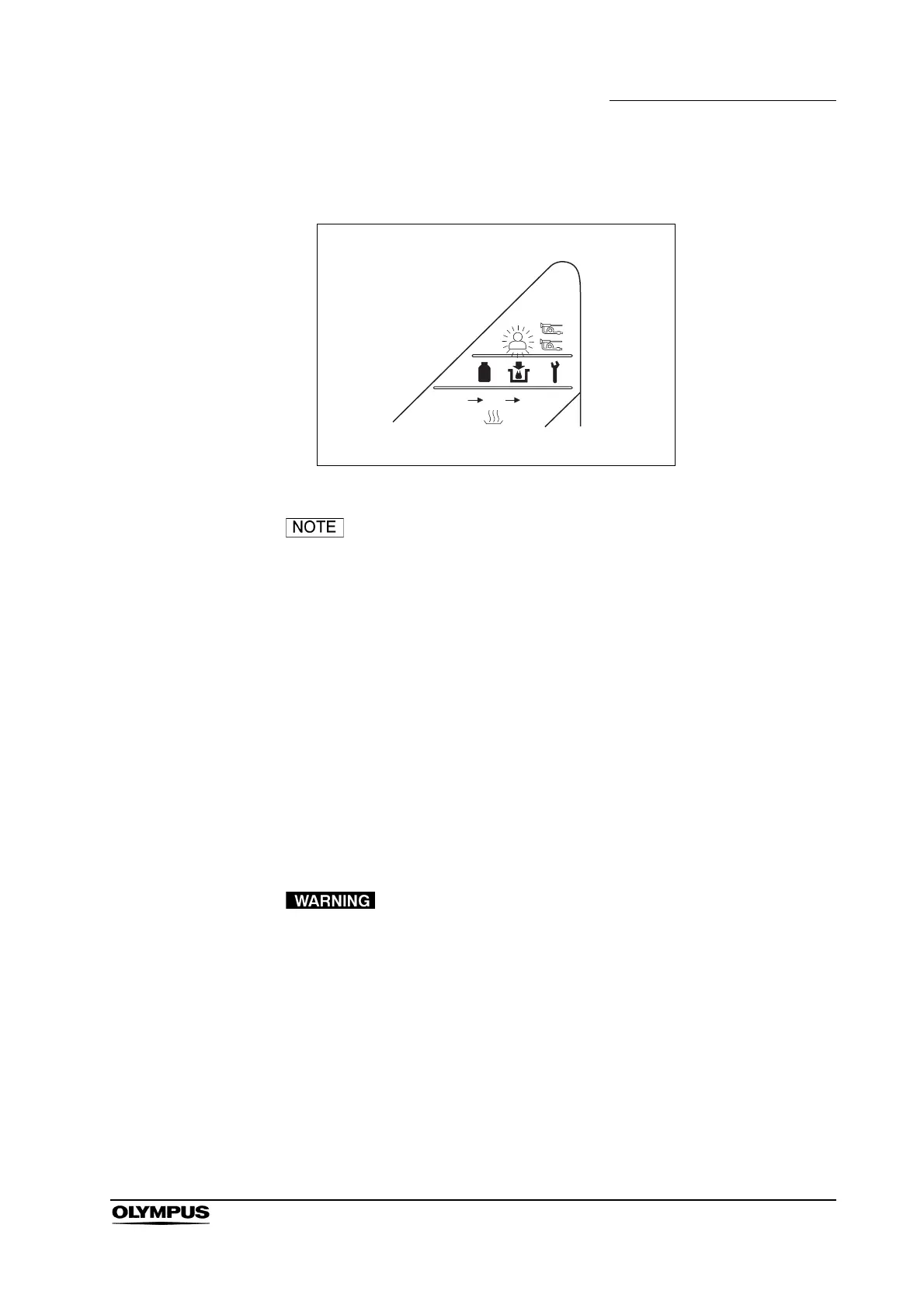
2. Make sure that the User ID detection indicator on the main control panel
lights up.
Figure 4.10
• If the User ID detection indicator on the main control panel
does not light up, the equipment has not recognized the user
ID card. Try scanning the user ID card with the RFID reader
again.
• Only one user ID can be recognized at a time. Error code
[E91] is displayed if you attempt to have the equipment
recognize a second user ID. If this error code is displayed,
press the STOP/RESET button to clear it and restart the user
ID recognition procedure.
4.6 Endoscope setup
Place the endoscopes to be reprocessed in the reprocessing basin.
• When placing the endoscopes in the basin, make sure that
the major parts such as the insertion tube and universal cord
are not piled upon each other. If the endoscopes are placed
carelessly with many parts piled on upon one another
reprocessing may be ineffective.
• Do not attempt to reprocess an endoscope that is not
designated for use with the equipment. Do not reprocess two
endoscopes that should not be reprocessed simultaneously
with each other. Doing so will prevent the equipment from
functioning properly and may endanger the safety of the
patient and operator. In this case, the durability of the
equipment and its ancillary equipment cannot be guaranteed.


 To Next Page