86
Chapter 4 Reprocessing Operations
ENDOSCOPE REPROCESSOR OER-Pro Operation Manual
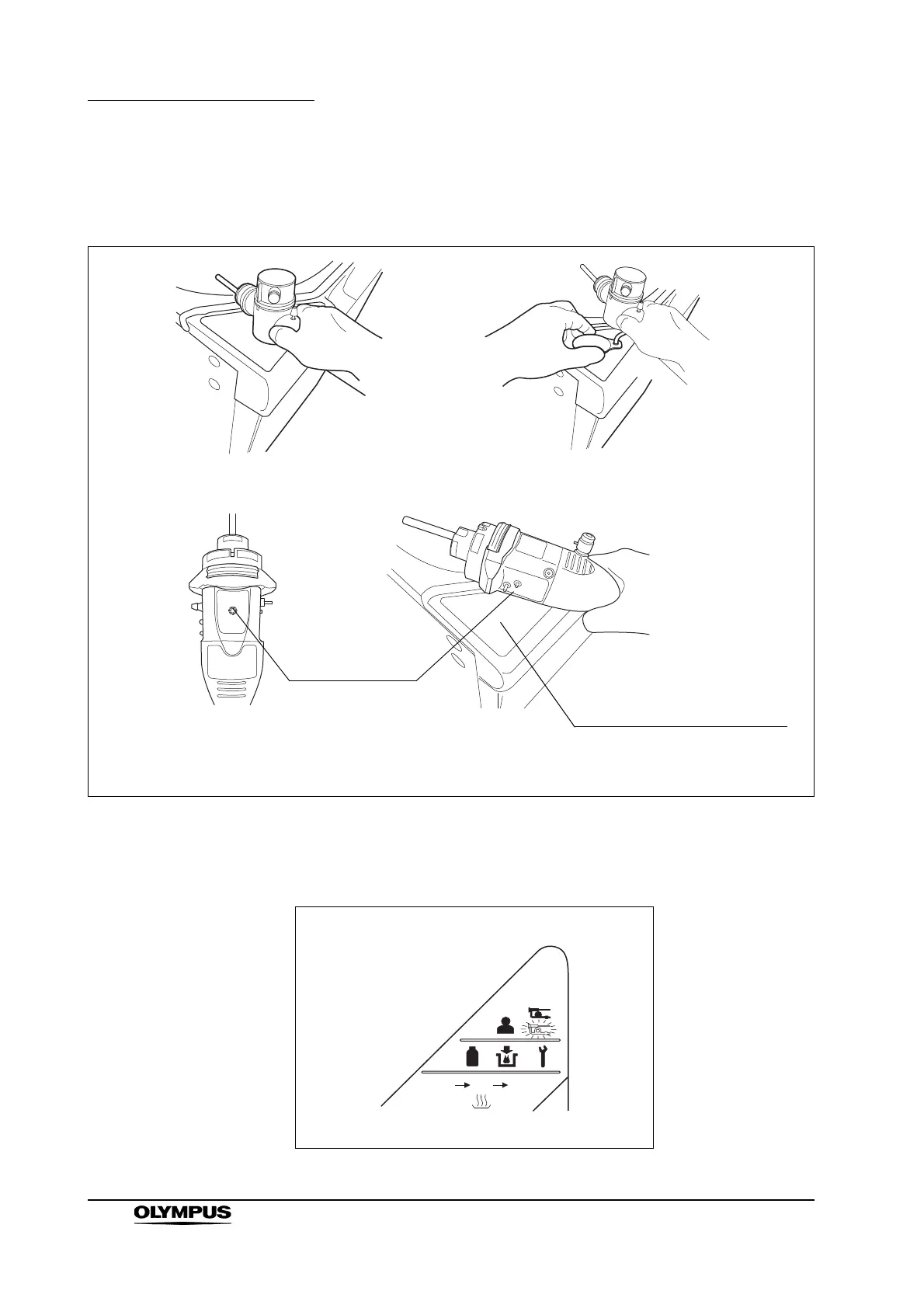
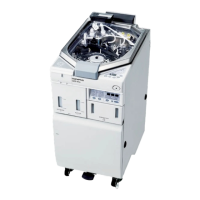
1. Hold the internal ID-type endoscope connector or the external ID tag to the
RFID reader of the equipment, and scan the tag with the reader until a short
beep sounds.
Figure 4.6
2. Make sure that the Scope ID detection indicator on the main control panel
lights up.
Figure 4.7
For internal ID-type endoscope
(180 series endoscope)
For external ID tag
For internal ID-type endoscope
(190 series endoscope
1
)
Approach the Scope ID mark
on the endoscope connector of
190 series
1
to the RFID
reader of the equipment.
Scope ID mark
1 190 series endoscopes may not be available in some areas.


 To Next Page