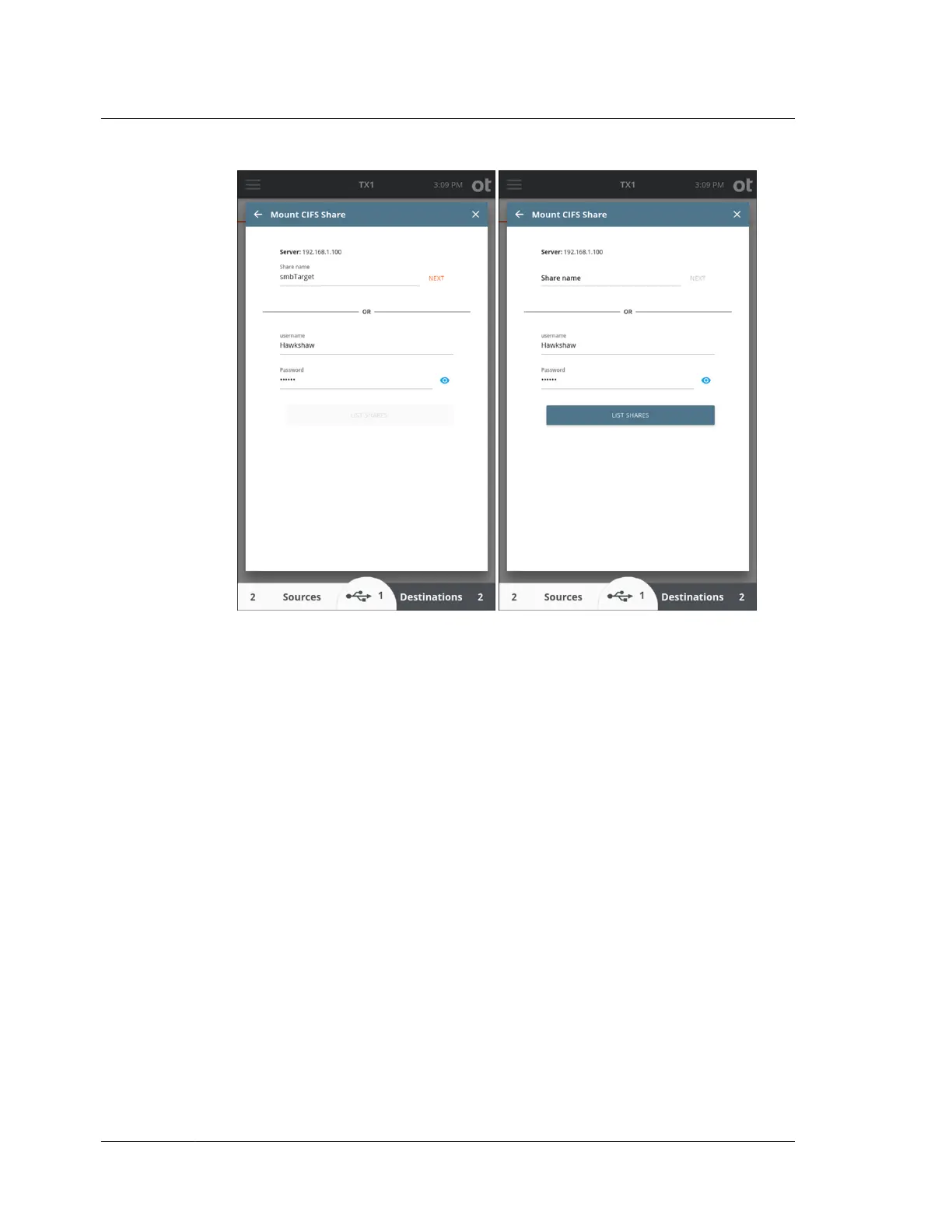
4. If you chose to use the List Shares feature, a list of available shares will be
displayed with the currently connected shares identified by a grayed-out tile
with a green check mark on the left. Tap the Show Hidden Shares slider to view
default admin/hidden shares in the share list.
Chapter 4 Using TX1
102
OpenText™ Tableau™ Forensic TX1 Imager
ISTX240300-UGD-EN-1



 To Next Page