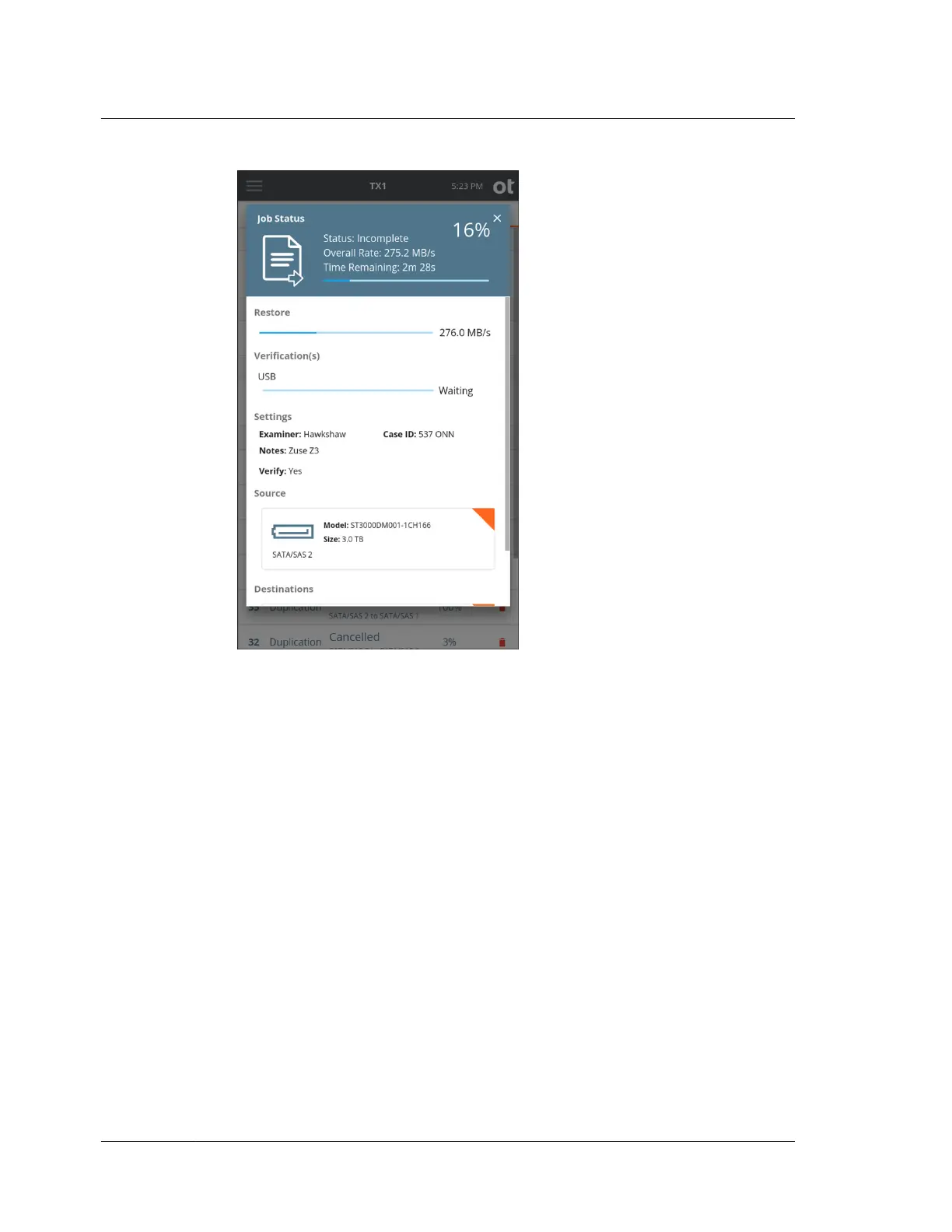
To cancel the Restore operation, tap the Cancel button from the Jobs summary
screen.
When the Restore operation completes, the results are displayed on-screen. The log
for the completed job can be viewed by tapping on the View Log link on the right
side of the top Job Status screen header or through the side navigation menu.
The hash values calculated while reading back the data from the source logical
evidence file are captured in the forensic logs. These appear as Restoration MD5 and
Restoration SHA1 values in the Image Source section of the log.
4.9 Mobile backup acquisition
TX1 has the capability to detect iOS- and Android-based mobile devices (phones and
tablets) via its USB source port and initiate backup files that can then be acquired.
Those backup files contain forensically valuable user data from the devices, and they
can be used as input to forensic investigation tools such as EnCase Forensic, and
analysis by tools such as EnCase Mobile Investigator.
The way TX1 interacts with mobile devices is much different than how it interacts
with traditional drives (HDDs and SSDs). That includes the way they are detected,
the commands sent, and the information received. This section is focused exclusively
on mobile device backup acquisition, including acquisition workflow steps and
Chapter 4 Using TX1
152
OpenText™ Tableau™ Forensic TX1 Imager
ISTX240300-UGD-EN-1



 To Next Page