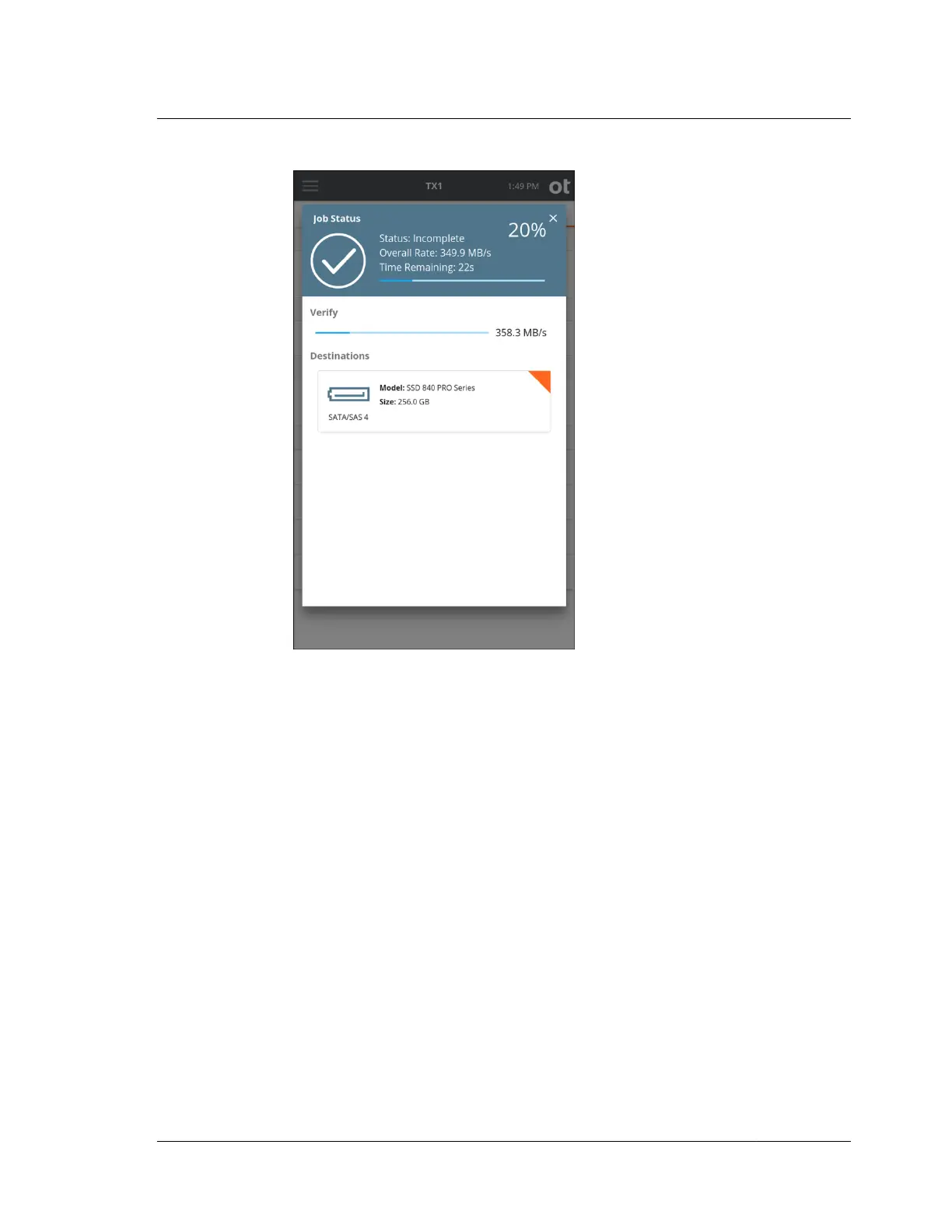
5. To cancel the Verify operation, tap the Cancel button from the Jobs summary
screen.
When the Verify operation is complete, the results are displayed on a final Job
Status screen. The log for the completed job can be easily viewed by tapping on
the View Log link on the right side of the top status bar or from the side
navigation menu.
4.7 Browsing
The Browse function provides an easy way to view the contents of a recognized
filesystem on any mounted drive, whether it is connected locally or via the network
interface (iSCSI or CIFS). Simply tap the Browse button on the Home screen and
select the desired drive/filesystem. The Browse operation is also accessible from the
Media Utilities list in the drive details screen and from the filesystem details box
within the Content Breakdown media utility. A sample browse screen is shown
below.
4.7. Browsing
ISTX240300-UGD-EN-1
User Guide
145



 To Next Page