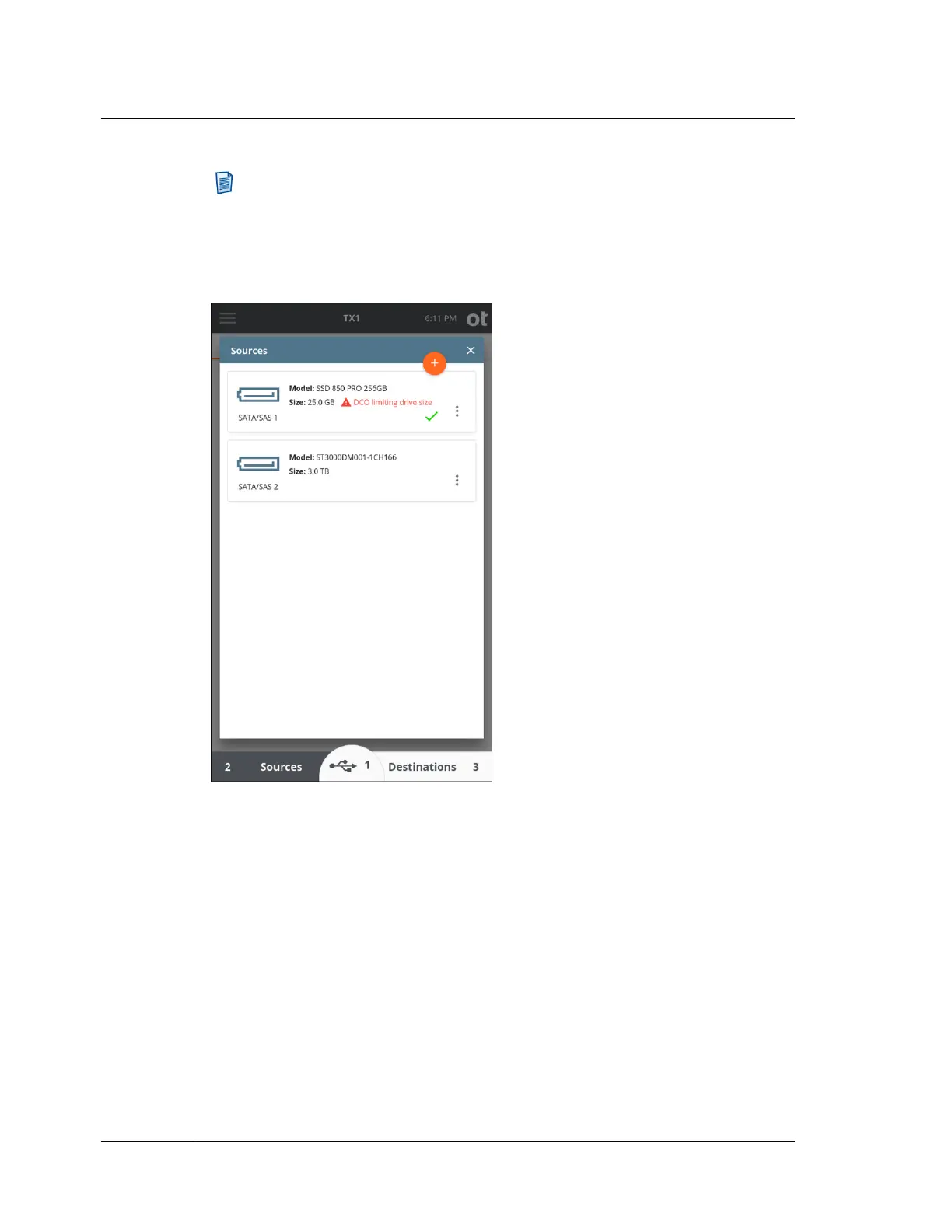
Note: The green checkmark that indicates a given drive has been successfully
acquired will persist in the user interface until TX1 is power-cycled, at which
time no drives will indicate they were acquired (despite the fact that they may
have been in a previous TX1 session). Also, if an acquired drive is removed and
then reinstalled on TX1 within the same session/power-cycle, that drive will
show as having been acquired.
4.10.1 Encryption detection
TX1 automatically detects certain types of encryption present on attached drives.
This detection is possible for software-based encryption types that have known
header signatures. TX1 can also detect the hardware-based Opal encryption method.
TX1 can detect the following types of encryption:
• APFS
• Apple FileVault 2
• BestCrypt
• BitLocker
• BitLocker To Go
• Check Point Full Disk Encryption
Chapter 4 Using TX1
172
OpenText™ Tableau™ Forensic TX1 Imager
ISTX240300-UGD-EN-1



 To Next Page