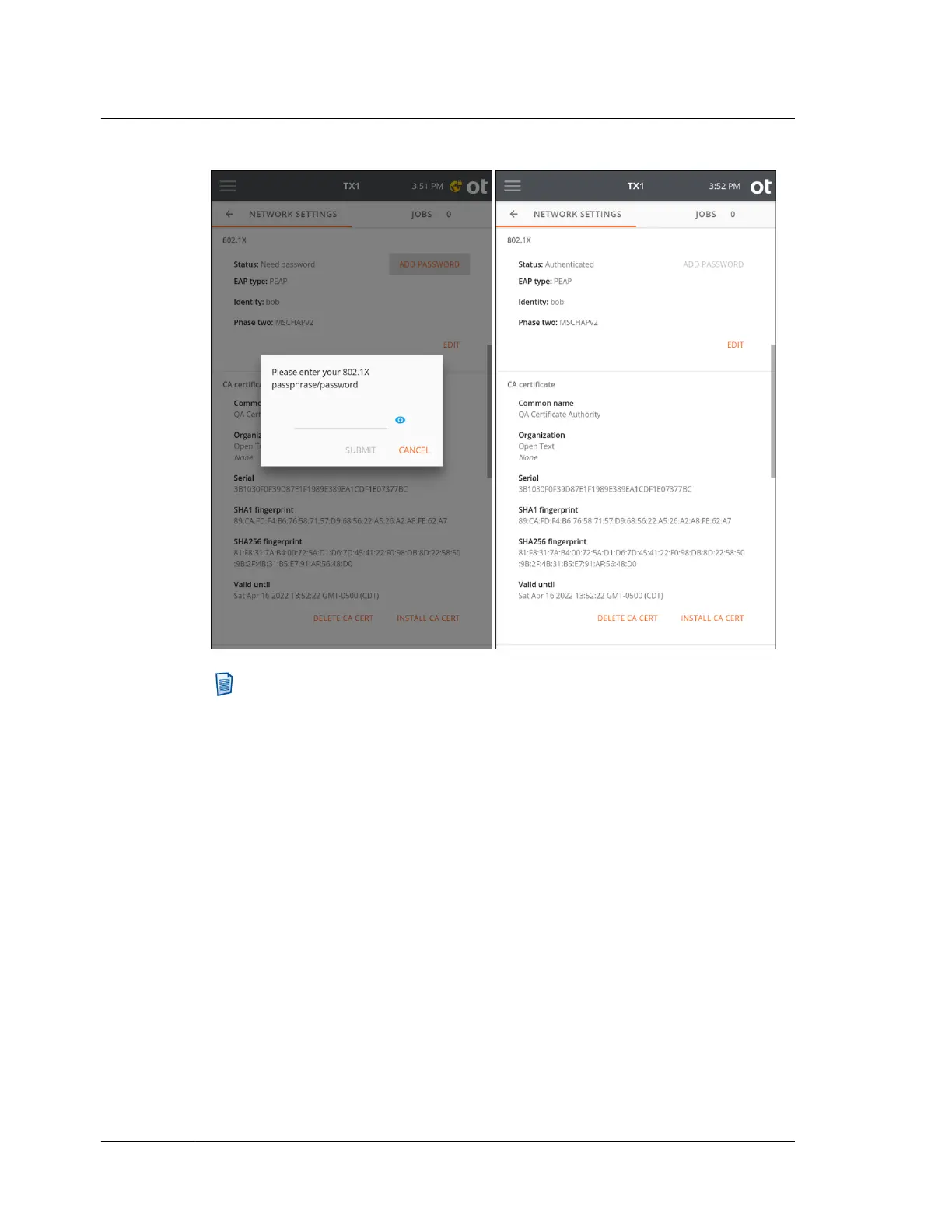
Note: 802.1X passphrases are required to decrypt encrypted private keys.
These passphrases can be between 4 and 1023 characters in length.
3.2.2.2 HTTPS certificate setup
TX1 generates an SSL certificate on startup. You can use this certificate, manually
generate a new certificate, or install your own certificate. The bottom area of the
Network Settings screen shows the current SSL certificate information and provides
options for manually generating a new TX1 certificate or installing a custom
certificate. See “Remote web interface” on page 190 for more details regarding SSL
certificate options.
Chapter 3 Configuring TX1
32
OpenText™ Tableau™ Forensic TX1 Imager
ISTX240300-UGD-EN-1



 To Next Page