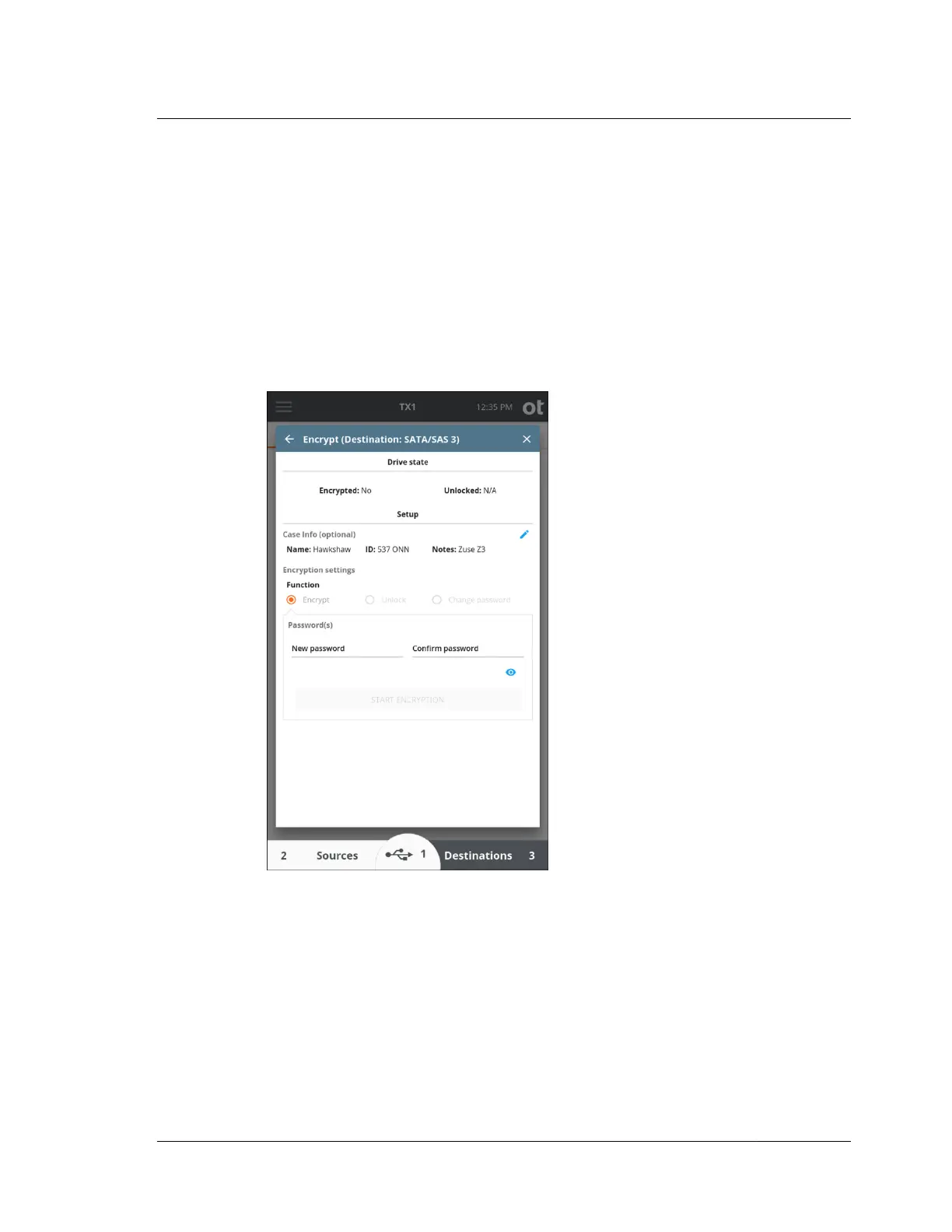
3.3.4 Tableau encryption management
TX1 can encrypt destination and accessory drives using a password-based XTS-AES
whole disk encryption. This Tableau-based encryption is compatible with the
Tableau TD2u Forensic Duplicator and the open source VeraCrypt utility.
Note: The encryption process overwrites the destination drive, so remember to
encrypt the destination drive before you copy data to it.
A Tableau-encrypted source drive can be unlocked with the password to allow
browsing or imaging of the contents of the encrypted container.
A Tableau-encrypted destination or accessory drive can be unlocked with the
password to allow browsing or imaging to the encrypted container.
The encryption password can be changed only on destination and accessory drives,
as it requires a write modification to the encrypted header.
OpenText is not able to recover lost passwords for TX1 encrypted media, so take
appropriate steps to ensure you never lose your password.
To remove encryption from a drive, connect the drive to TX1 as a destination or
accessory and wipe the drive.
3.3. Media utilities (traditional media)
ISTX240300-UGD-EN-1
User Guide
55



 To Next Page