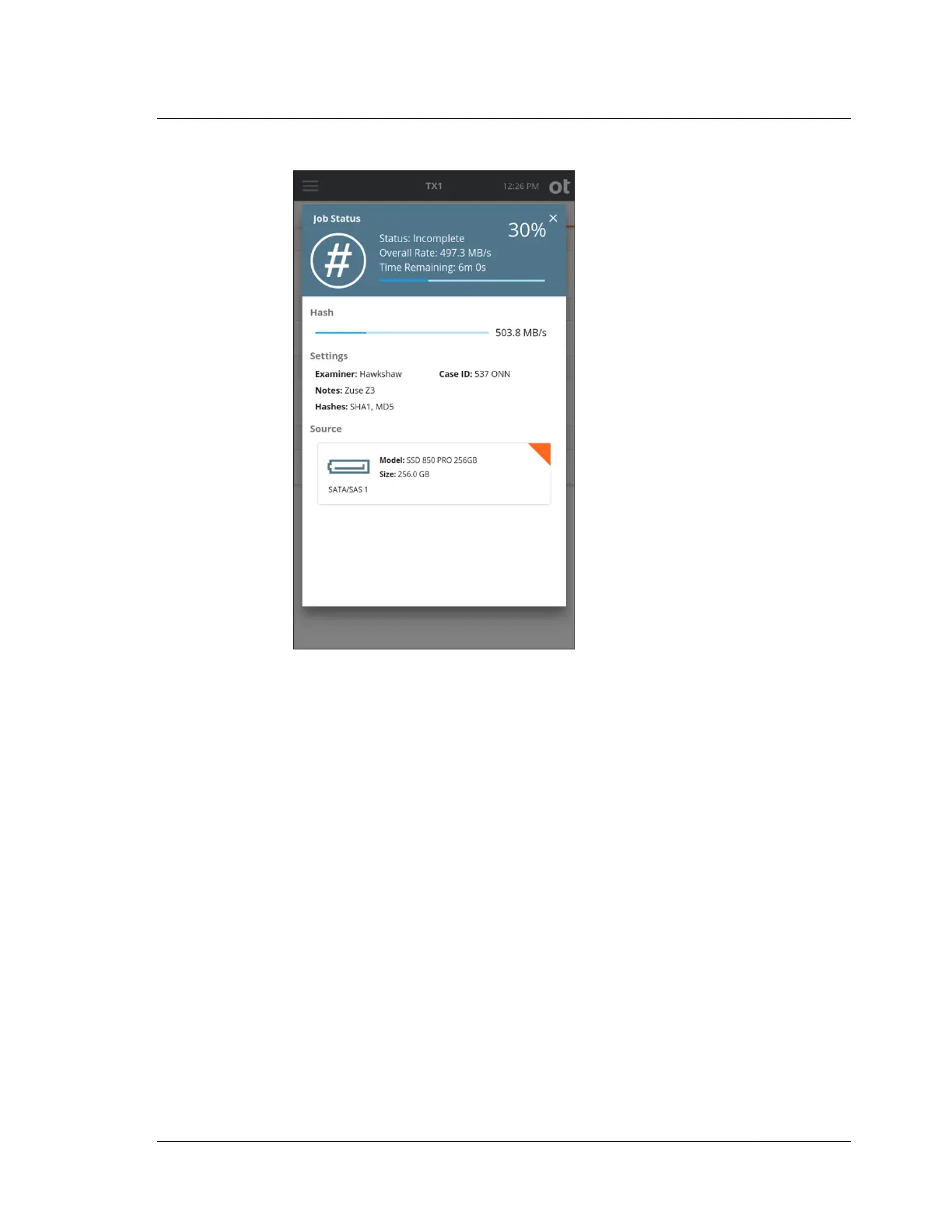
When the hash operation is finished, the results display on the screen. To access the
forensic log of the hash job, simply tap the View Log button in the header of the
completed Job Status screen. You can also view the log information by selecting
Logs from the side navigation menu.
4.5 Logical imaging
TX1 provides a powerful logical imaging function that allows for file-based evidence
acquisition from locally attached and network-based source filesystems. This tool
saves valuable time by focusing on specific files of interest rather than acquiring the
entire physical drive. TX1 logical imaging understands the structure of the
recognized filesystem and acquires the desired source file data and/or metadata.
Logical imaging operations on TX1 can be targeted, limiting which files are acquired
to only a subset of the source filesystem. TX1 allows both direct selection of contents
to acquire, as well as rule-based searches to target specific files based on file type or
other criteria. This allows for a more targeted and faster acquisition of only the files
that are of forensic interest. Used in conjunction with physical disk imaging, logical
imaging enables rapid acquisition of source file data, providing TX1 users the ability
to balance thoroughness with acquisition time and effort for the demands of a given
case.
4.5. Logical imaging
ISTX240300-UGD-EN-1
User Guide
117



 To Next Page