2.2 Navigating TX1
Use the TX1 touchscreen display to navigate from module to module and choose or
modify options. Use the touchscreen keyboard or a USB keyboard to enter
alphanumeric text when prompted. See “USB keyboard support” on page 22.
2.2.1 Home screen
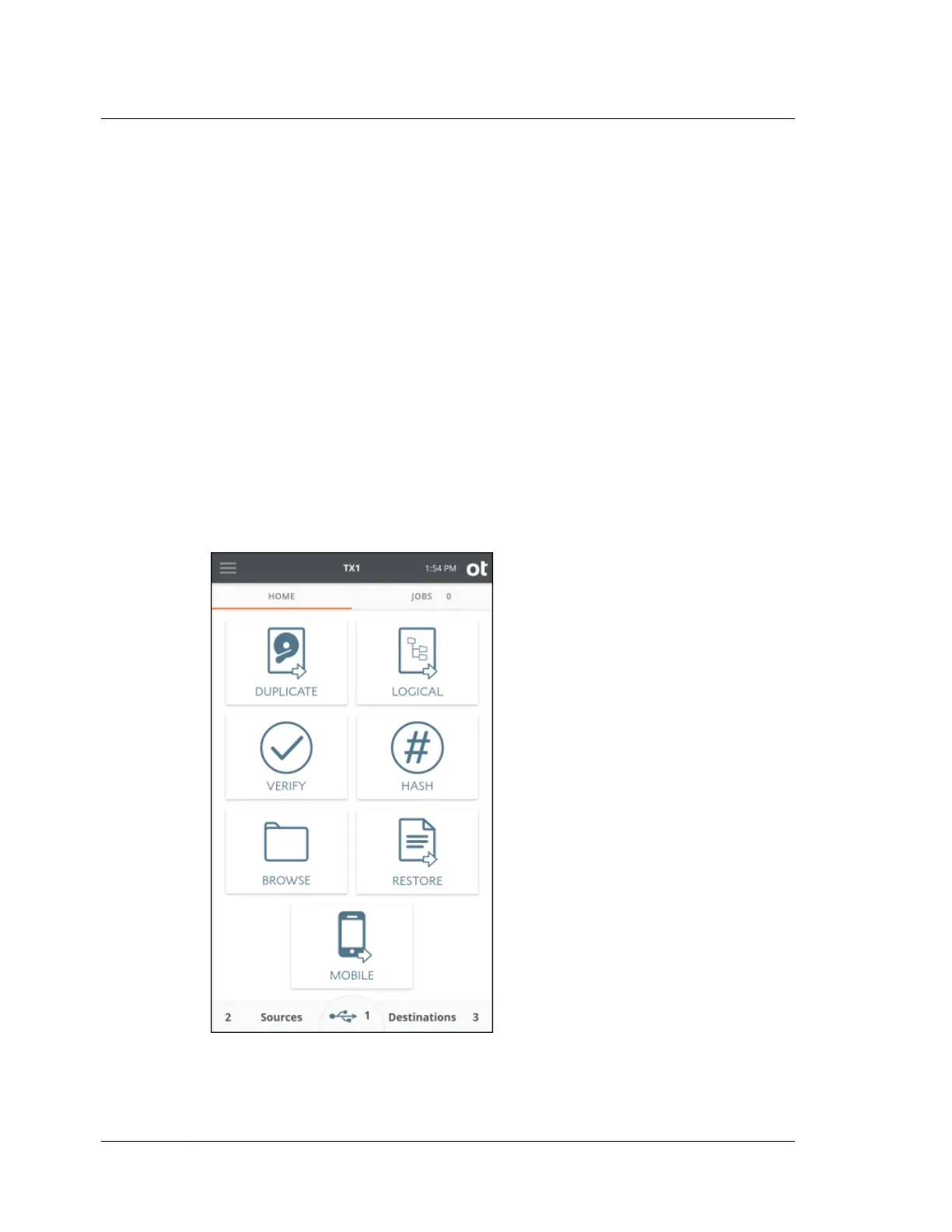
The Home screen of TX1 displays icons for initiating the following functions:
• Duplicate
• Logical
• Verify
• Hash
• Browse
• Restore
• Mobile
Tap one of these icons to begin a job and enter the job setup screen. A job setup
screen provides a stepper-based flow from which you can view default settings,
Chapter 2 Overview
14
OpenText™ Tableau™ Forensic TX1 Imager
ISTX240300-UGD-EN-1



 To Next Page