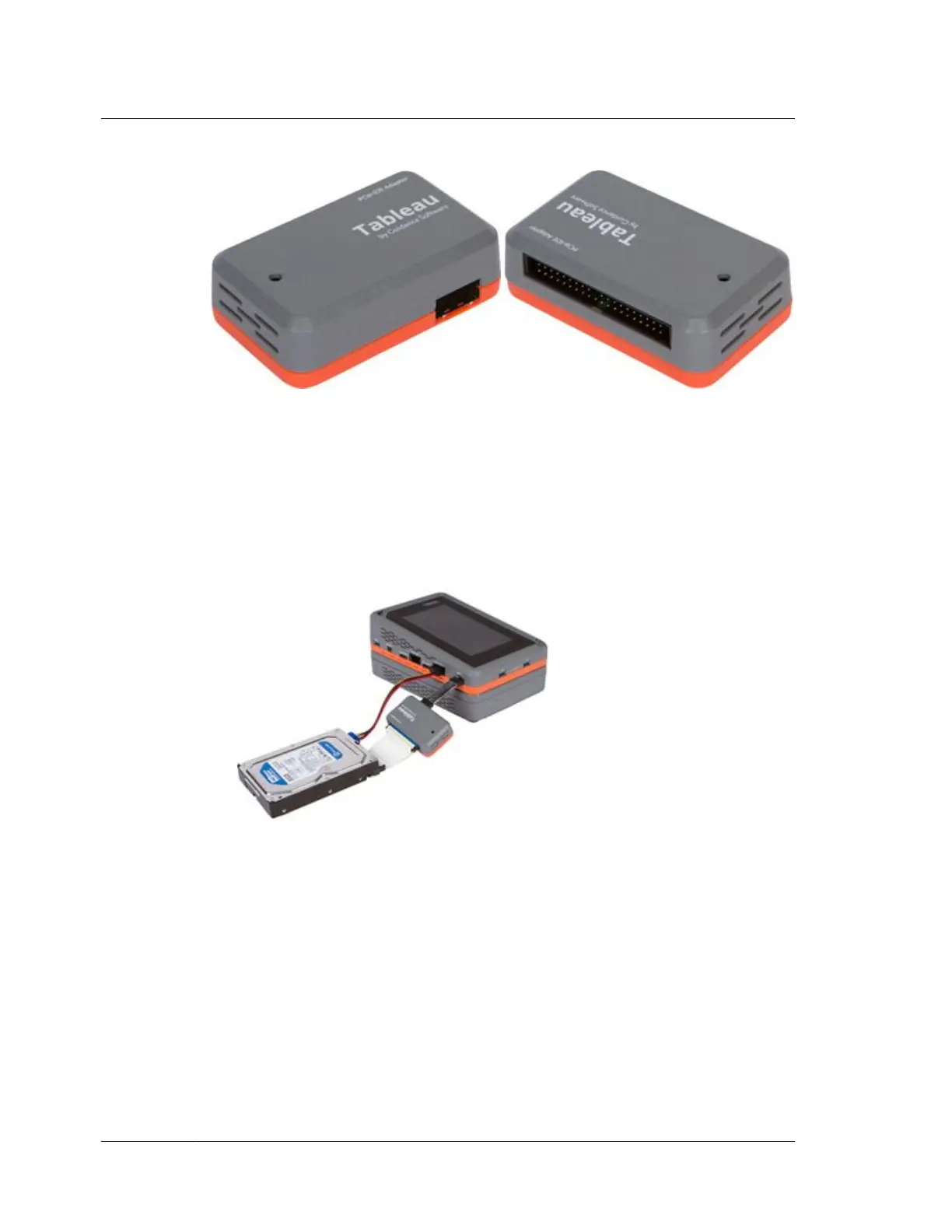
5.2.1 Using the TDA7-5
1. With TX1 powered off, attach the TDA7-5 to the TX1 by connecting it to the
source PCIe port on the left side of TX1, using a Tableau TC-PCIE cable (4" or 8").
2. Connect an IDE drive using the TC6-2 ribbon cable (blue connector goes to the
TDA7-5) and TC2-8-R2 power cable.
3. Power on TX1.
4. The Sources drive counter will increment by one to let you know your IDE drive
is connected. Tap the Sources tab to view IDE drive details.
Chapter 5 Adapters
198
OpenText™ Tableau™ Forensic TX1 Imager
ISTX240300-UGD-EN-1



 To Next Page