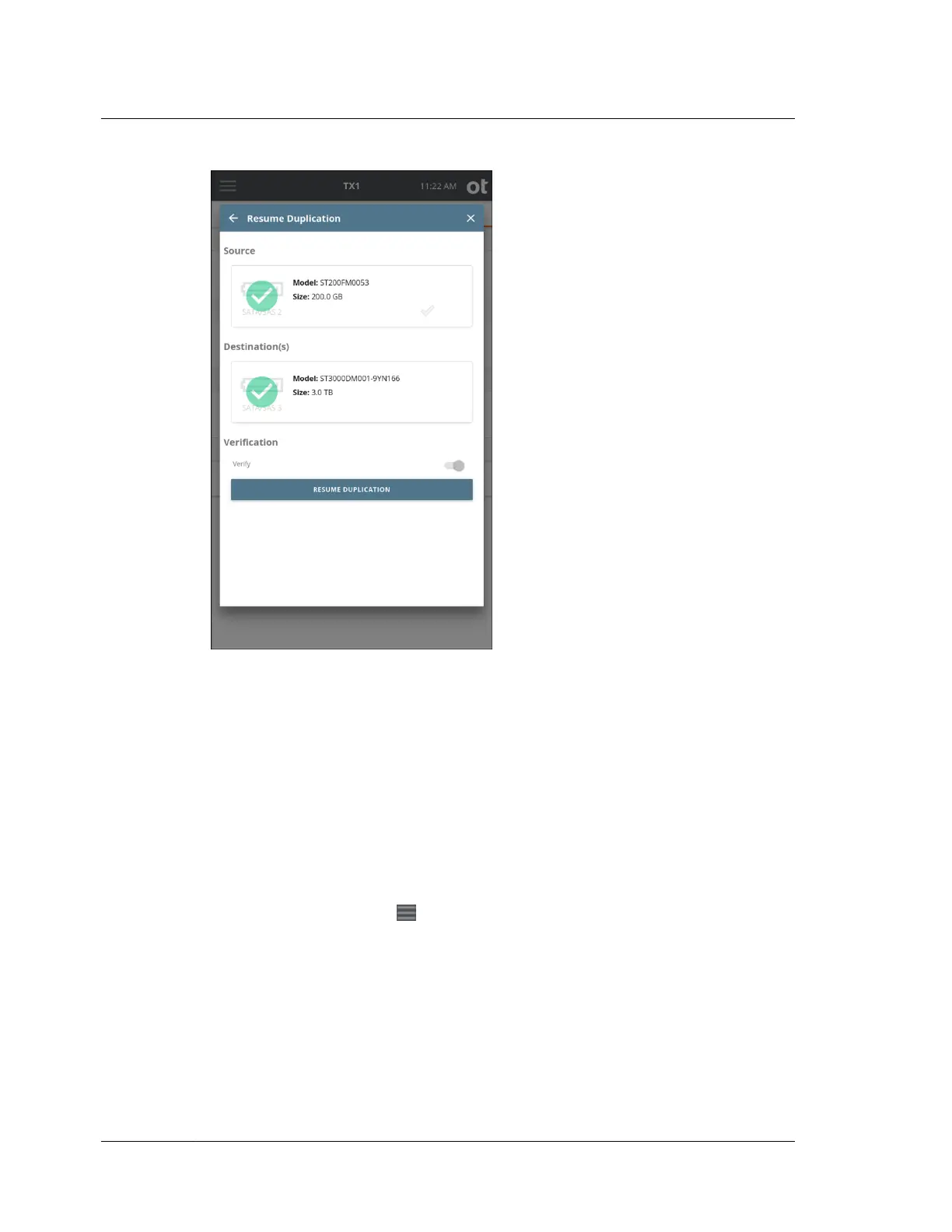
In addition to manually initiated pause and resume, TX1 supports power loss
situations as well. For the supported job types (e01, ex01, dd, dmg), if power is
unexpectedly lost during an imaging job, it can be resumed after power is restored
and the system is booted up.
To resume a supported imaging job after a power loss event:
Note: As with manually paused jobs, the original source and destination drives are
required by TX1 before the original job can be resumed after a power loss event. The
steps/screenshots below assume the original drives are connected and available to
the system after power was restored.
1. From the Home screen, navigate to the side navigation menu (available by
tapping the menu icon at the top left of the Home screen).
Chapter 4 Using TX1
108
OpenText™ Tableau™ Forensic TX1 Imager
ISTX240300-UGD-EN-1



 To Next Page