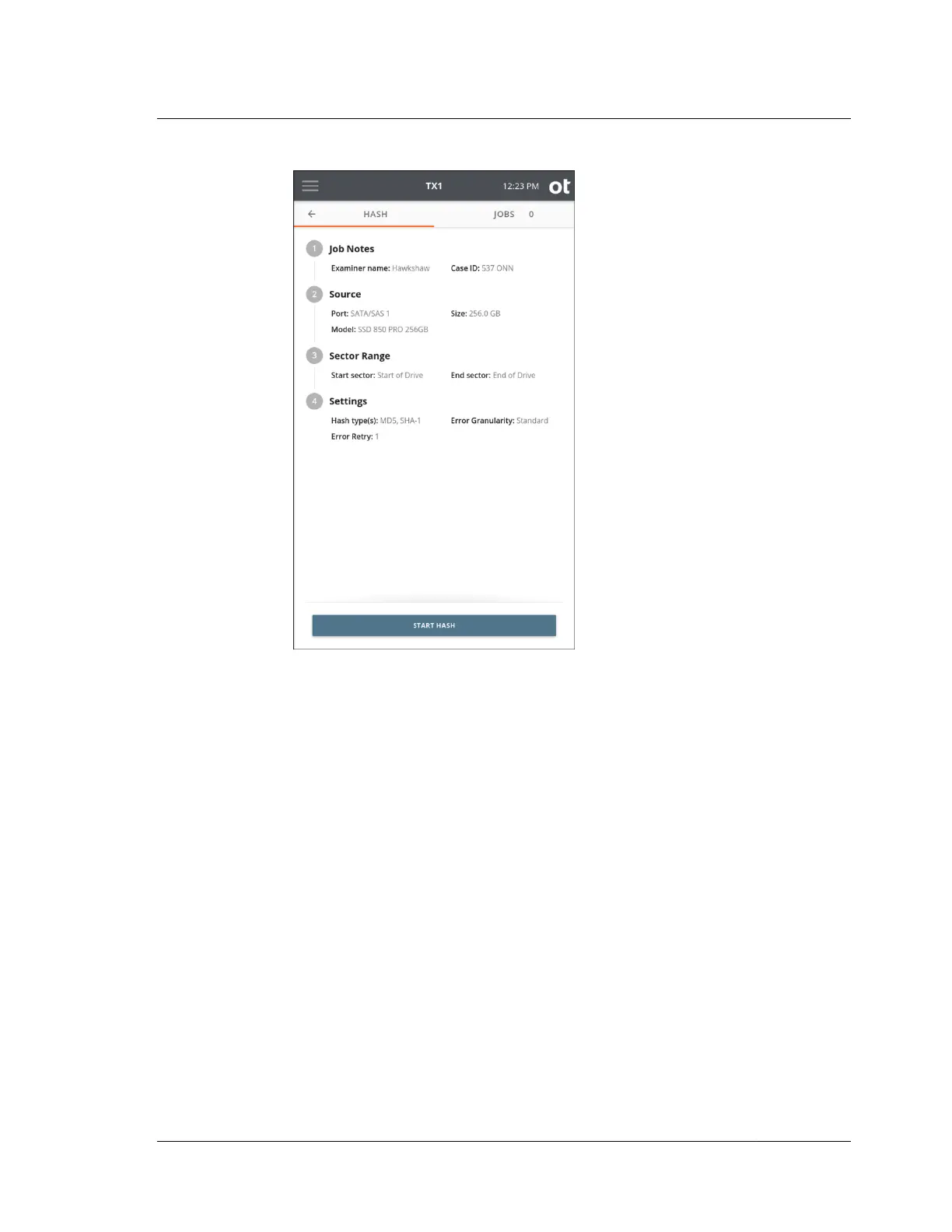
3. Select a Sector Range for the hash. The default settings will always provide a full
drive hash, but certain situations (such as a failing source drive with bad sectors)
could benefit from a partial drive hash. Partial drive hashes are defined by start
and end sector values. These sector values can be set in two ways, as follows:
a. Use the radio buttons to select your range. This will typically be partition-
based if the drive has one or more partitions, or the entire drive if no
partition table exists.
b. Manually enter the specific start and end sector numbers. Again, if you do
not define a custom Sector Range, the entire drive will be hashed.
After verifying the hash settings, tap the Start Hash button at the bottom of
the screen.
4.4. Hashing
ISTX240300-UGD-EN-1
User Guide
115



 To Next Page