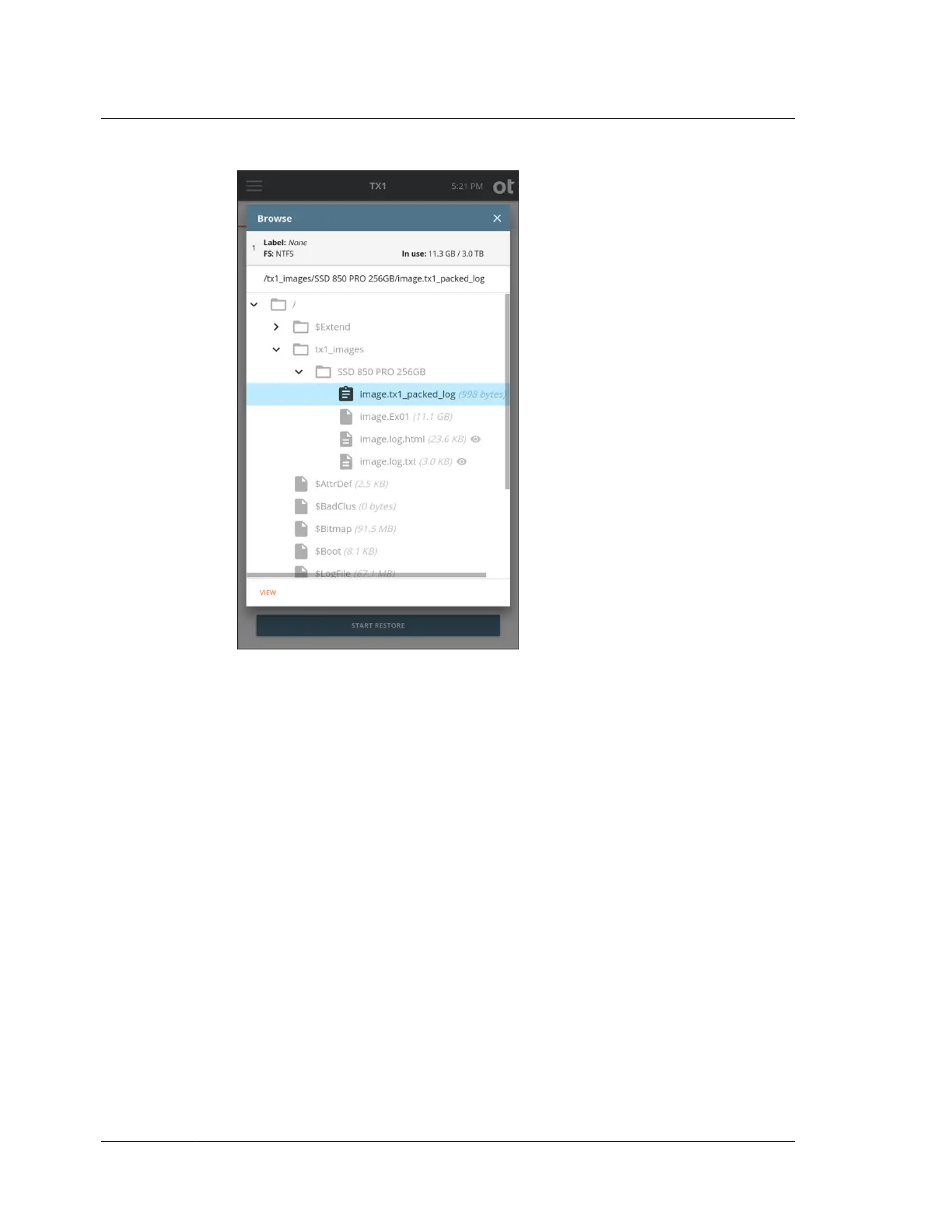
4. Select a Destination drive and, if desired, enable the Trim feature which will
apply a DCO or AMA on the destination to make it appear exactly as large as the
original source drive.
5. If desired, enable read-back verification. This will read the entire destination
drive back after the Restore job is complete, calculate a read-back hash value,
and compare that value with the original image file acquisition hash.
Chapter 4 Using TX1
150
OpenText™ Tableau™ Forensic TX1 Imager
ISTX240300-UGD-EN-1



 To Next Page