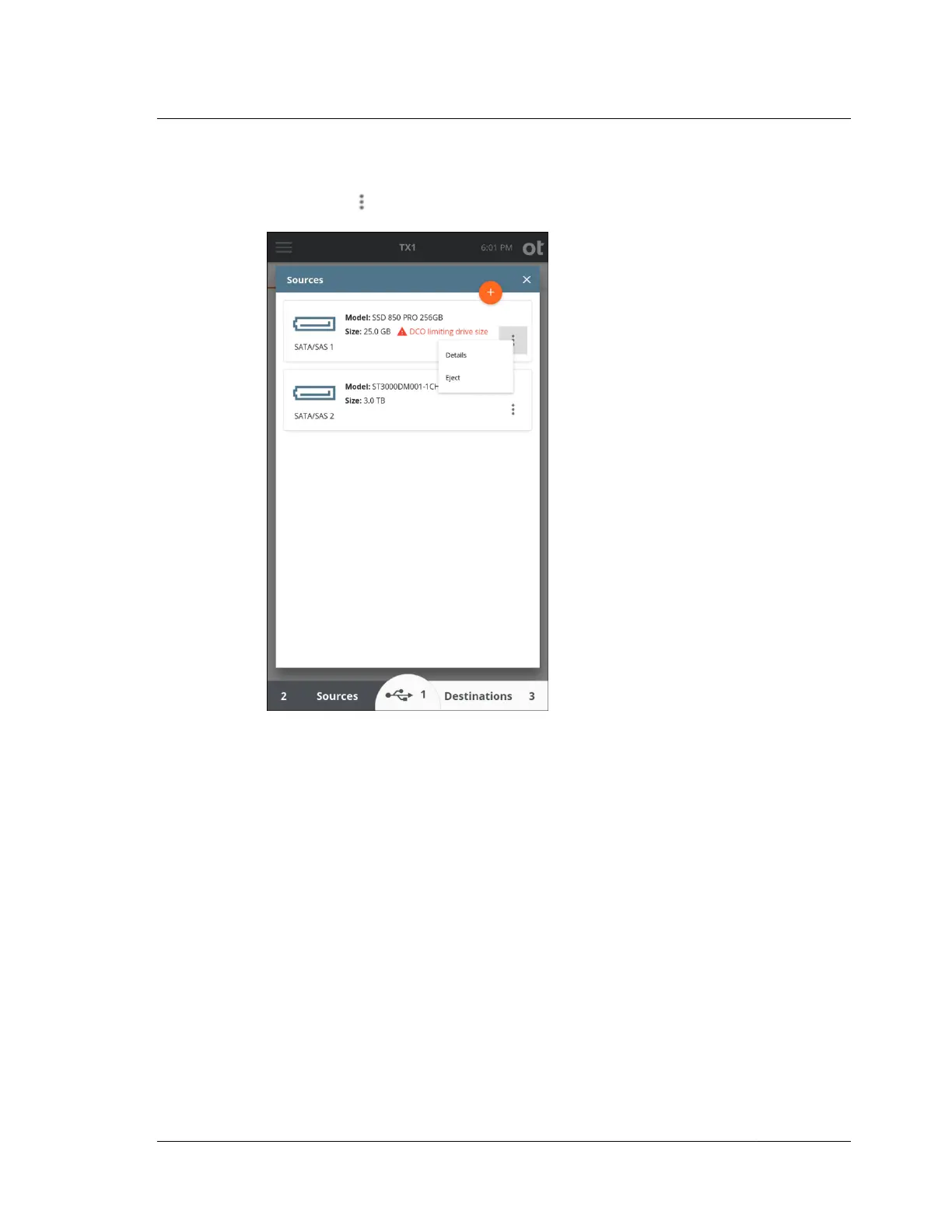
Tap a drive row to view the drive details, to access Media Utilities, or tap the
options icon located on the right side of the drive row to view more options.
The top blue section of the drive details screen displays the physical drive interface
as well as the drive model, serial number, and size.
4.10. Viewing sources and destinations
ISTX240300-UGD-EN-1
User Guide
169



 To Next Page