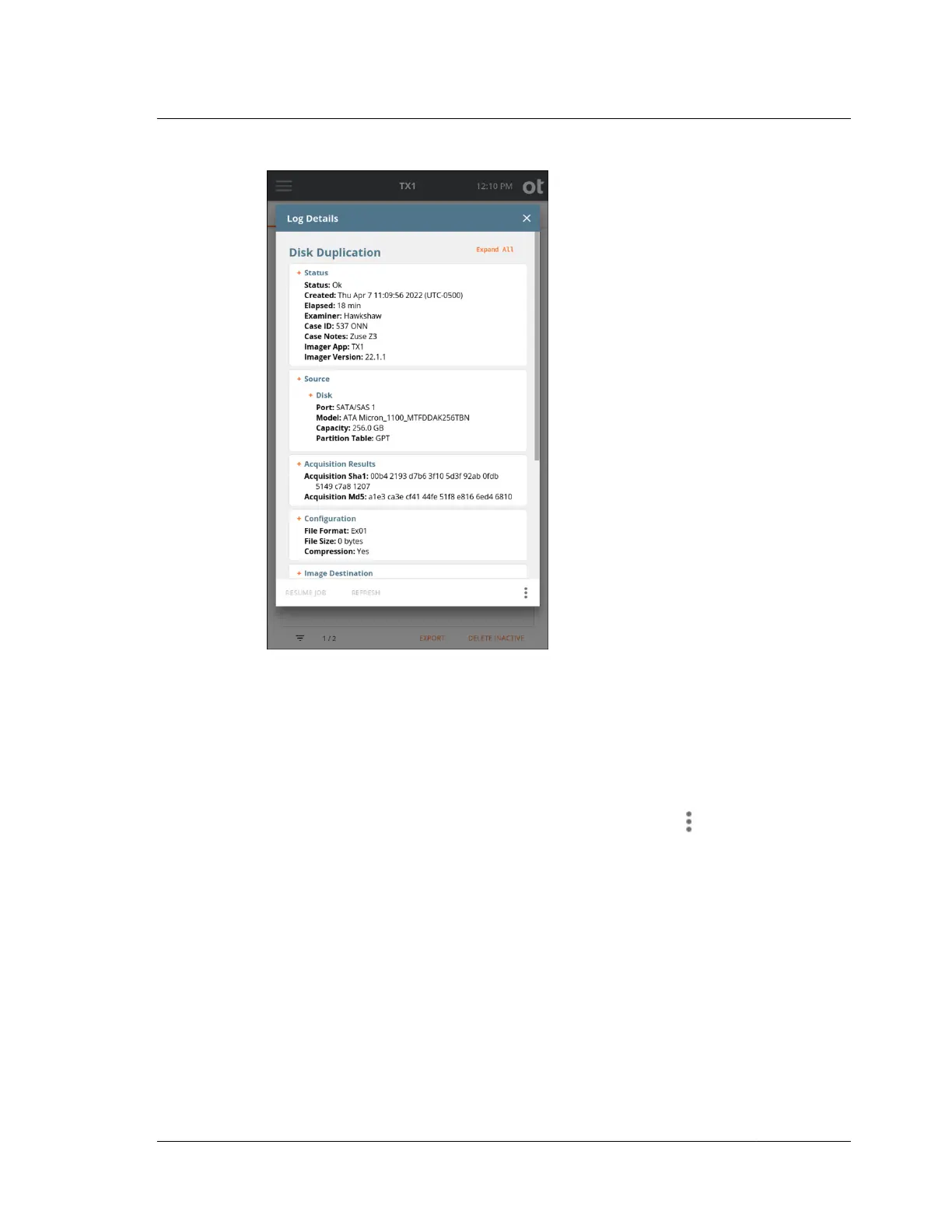
Before showing some specific sample logs later in this section, let us cover the basic
log management options available from the bottom of the log details screen.
• Resume Job ‒ If highlighted (orange), then the job is resumable. See “Pausing
and resuming a duplication job” on page 106 for more details.
• Refresh ‒ This allows the user to refresh the displayed information if the detailed
log is being viewed during an active job.
•
The following items are available by tapping the Options
icon at the bottom of
the screen:
– Delete ‒ This will delete the currently viewed job log.
– Export ‒ This allows for exportation (saving) of only the currently viewed log.
– Download ‒ Remote web interface users can download the currently viewed
log. This option is unavailable when accessing TX1 locally.
– View Text ‒ Logs are stored in both HTML and text formats, with HTML
being the default. Tapping the View Text button will switch the displayed log
to the legacy text log view. When viewing a log in text format, this button
changes to View HTML to allow switching back to that default view.
– View Job ‒ Tapping this button will display the Job Status screen, regardless
of the job's state.
4.11. Logs module
ISTX240300-UGD-EN-1
User Guide
183



 To Next Page