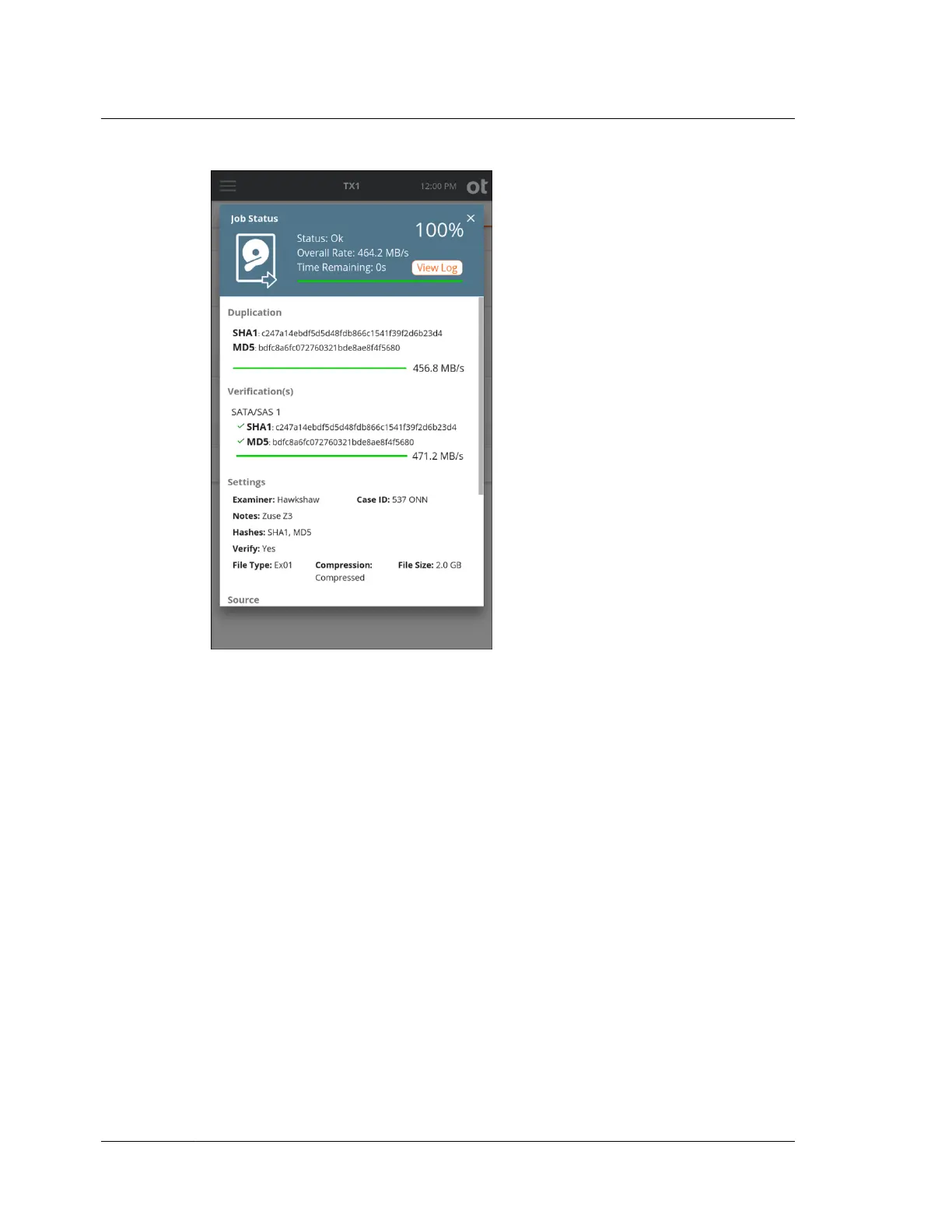
Clicking the View Log link immediately displays the detailed text log for that job.
You can easily click back to the Job Status screen or close the log and return to the
Home screen. The link back to the Job Status screen works regardless of the method
used to get into the log details window. For example, if you had navigated to the log
details for a given job through the side navigation menu Logs view, there will be a
link at the bottom of the log to view the Job Status screen (View Job).
Note that the Job Status screen can also be viewed for completed jobs that are
shown in the Recent area of the Jobs tab. Simply tap on the job row from the Recent
jobs area and the final Job Status screen for that completed job is shown, including a
link to the job log.
Chapter 2 Overview
20
OpenText™ Tableau™ Forensic TX1 Imager
ISTX240300-UGD-EN-1



 To Next Page