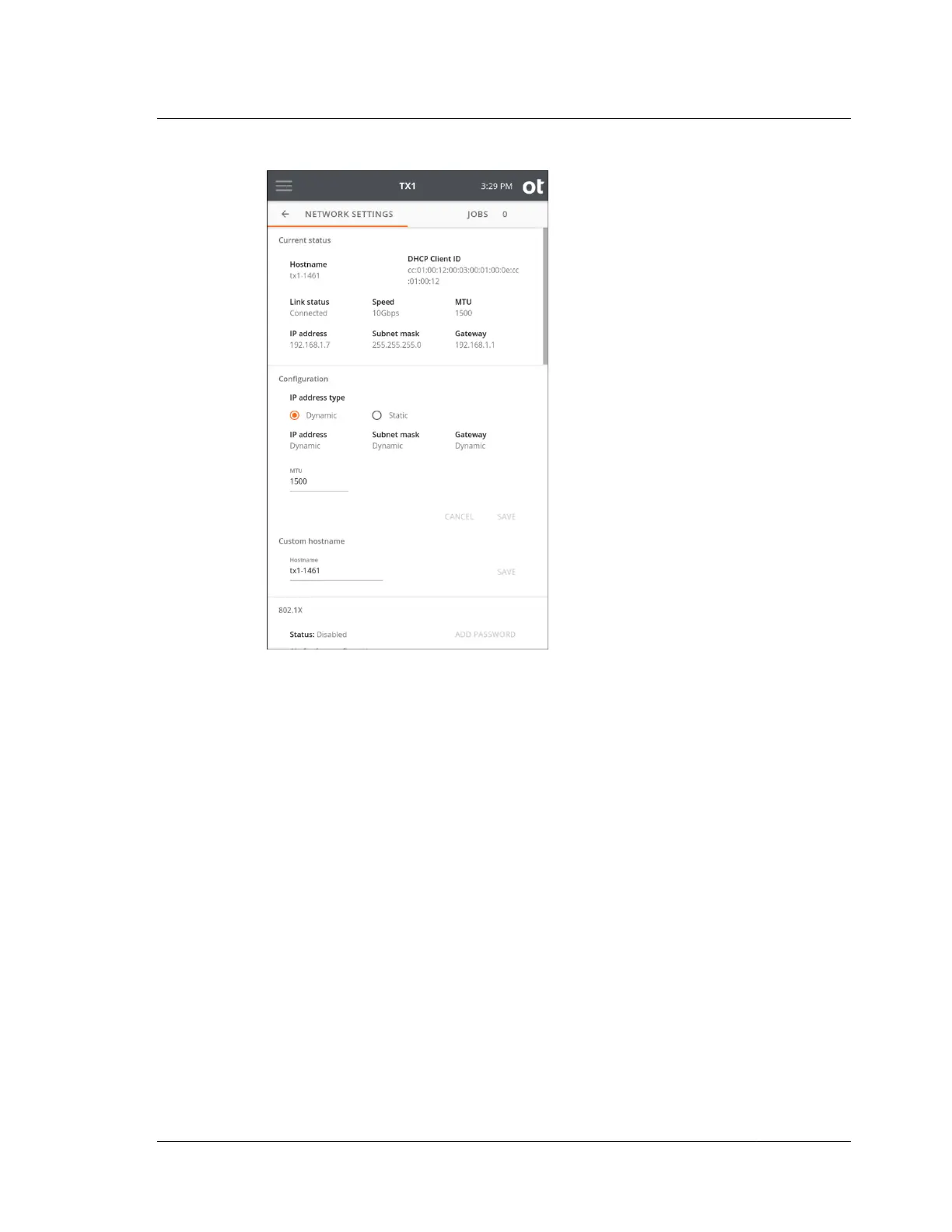
The Network Settings screen displays network related information and the current
connection status in the top area, followed by a Configuration area for setting the IP
address, MTU (maximum transmission unit) value, and custom hostname.
Following the network configuration area are areas for 802.1X configuration, and an
HTTPS certificate area.
Note that, for static IP address assignments, the DNS address and Domain fields can
be entered to make mounting CIFS shares easier.
The default MTU value is 1500, but if your TX1 is attached to a network that
supports jumbo frames, change the MTU value to 9000, which may enable much
faster network transfer speeds.
Note: Maximum allowed MTU settings exist for the various standard network link
speeds. Attempting to manually set the MTU in the Configuration area of this
screen to a value that exceeds the maximum allowed link speed MTU will result in
no change to the actual setting. This prevents slow network performance due to
mismatched MTU settings.
The maximum allowed MTU settings for each link speed are as follows:
• 100 Mbps: 1,500
• 1 Gbps: 9,000
3.2. Configuring TX1
ISTX240300-UGD-EN-1
User Guide
27



 To Next Page