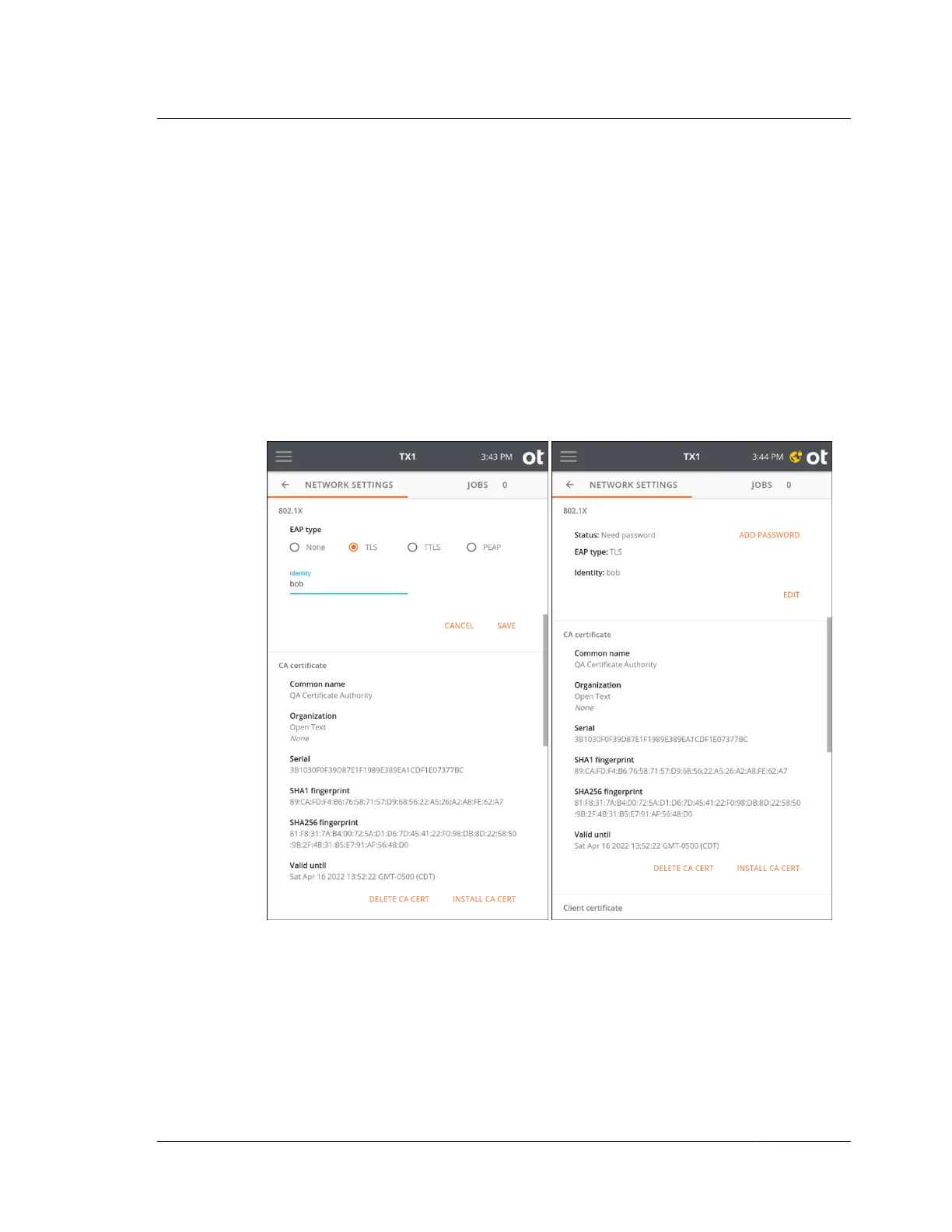
network. The certificate loading process is straightforward. First, store the required
certificates on a USB memory device, and then insert that device into a TX1 USB
Accessory port. In the CA and/or Client certificate areas in the Network Settings
screen, tap the appropriate certificate installation button (Install CA Cert or Install
Client Cert). A browse window will appear, allowing navigation to the appropriate
memory device and certificate file. Simply select the desired certificate file from the
browser and tap the Install button.
TLS: TX1 and the authentication server authenticate each other by mutually
verifying their certificates. A CA (Certificate Authority) certificate, and a client
certificate, issued by the certification authority, must be installed before
authenticating using this method.
Tap Save to show the selected EAP type and status in the settings summary.
TTLS: Select a Phase two internal protocol (EAP-MSCHAPv2, MSCHAPv2,
MSCHAP, CHAP, or PAP). A CA certificate must be installed on TX1 to enable
server authentication. This method uses an identity and password for client
authentication. A client certificate is not required.
Tap Save to show the selected EAP type and status in the settings summary.
3.2. Configuring TX1
ISTX240300-UGD-EN-1
User Guide
29



 To Next Page