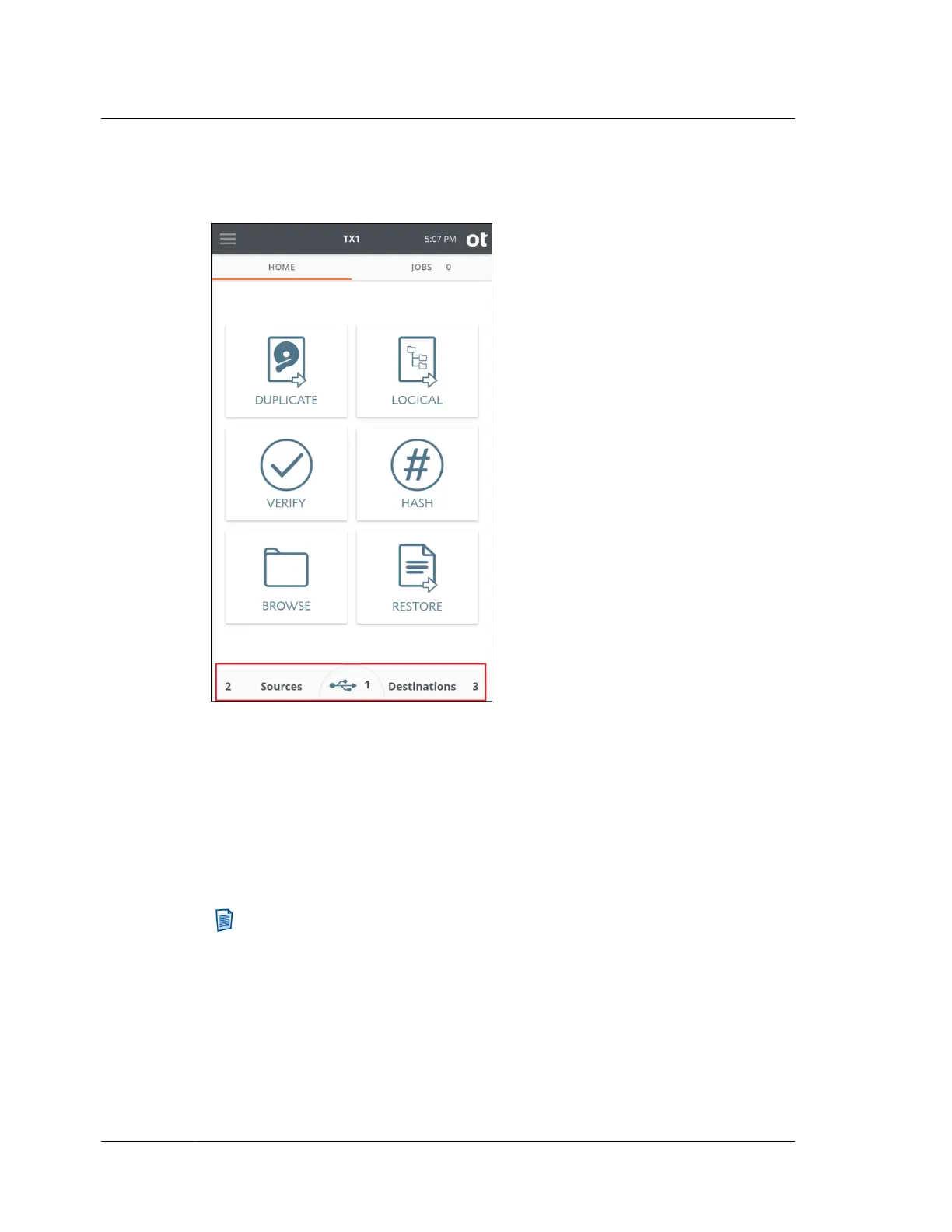
The bottom of the TX1 screen with the source, USB accessory, and destination drive
counts highlighted, is shown below:
TX1 can detect USB drives that expose a CDFS volume. This is a common
configuration for proprietary self-encrypting drives. The small CDFS volume
typically contains an application that can be run on a host computer system, which
allows for entering credentials that will unlock the drive. TX1 cannot run these
proprietary applications, as they are typically made for x86-based Windows systems
and thus TX1 cannot unlock these types of self-encrypting drives. That also means it
cannot access the data volume of the drive (even in encrypted form) and thus cannot
create an image of the drive. However, TX1 will detect these drives and report their
type.
Note: Mobile devices connected to TX1 have unique detection interactions
compared to traditional media devices (HDDs, SSDs). The information above is
specific to traditional media devices. See “Mobile backup acquisition”
on page 152 for information specific to that type of job.
Chapter 3 Configuring TX1
72
OpenText™ Tableau™ Forensic TX1 Imager
ISTX240300-UGD-EN-1



 To Next Page