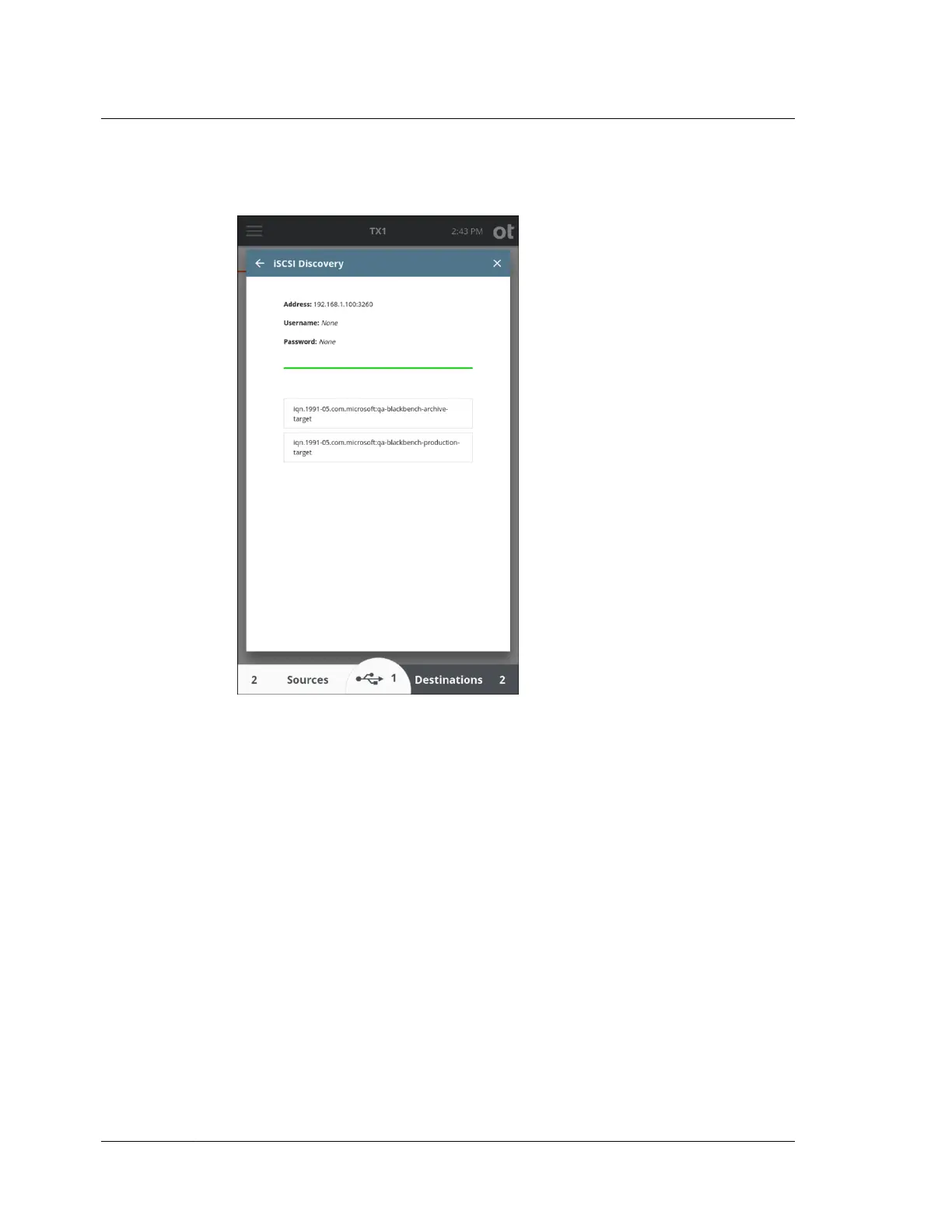
3. Tap the Discover button to discover available iSCSI targets. If the discovery is
successful, a list of available iSCSI targets will appear below.
4. Tap an iSCSI target and the iSCSI Login screen is displayed. If needed, enter a
login username, password, and a nickname (optional). Tap the Login button to
login and mount the iSCSI target.
Chapter 4 Using TX1
96
OpenText™ Tableau™ Forensic TX1 Imager
ISTX240300-UGD-EN-1



 To Next Page