SOCT Copernicus PLUS - Service Manual
Prepared cables mount to the base plate using M16x4 screws
Note:
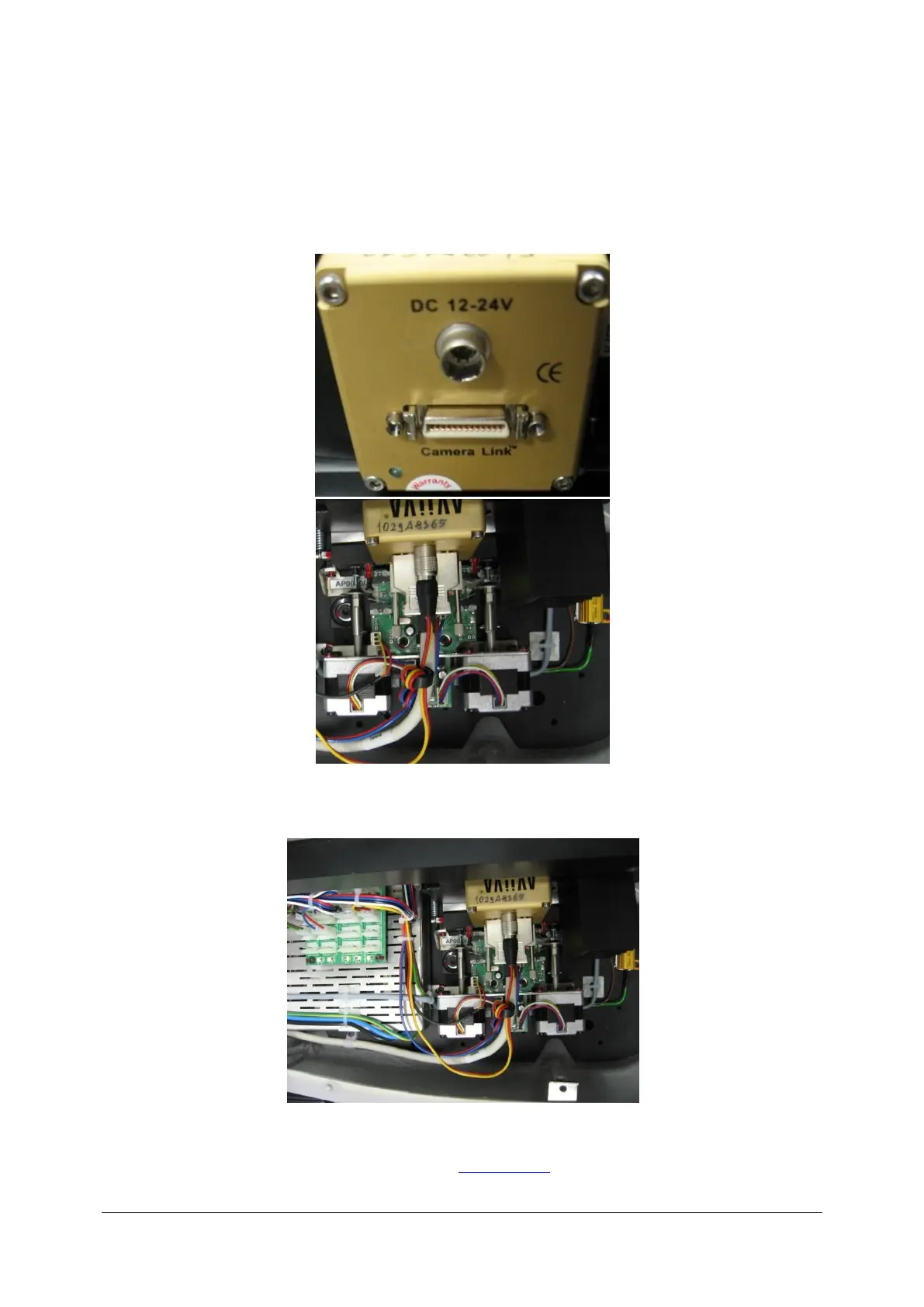
Cable distance to the clamp (26 cm) should go through lower hole in the rear panel and should be
connected to the CL camera slot.
Propertly connected CL cable should look like on picture below:
Cable can’t touch housing. CABLE CAN NOT BE TWISTED.
After installing a new cable put on the cover (See: Closing cover).



 To Next Page