SOCT Copernicus PLUS - Service Manual
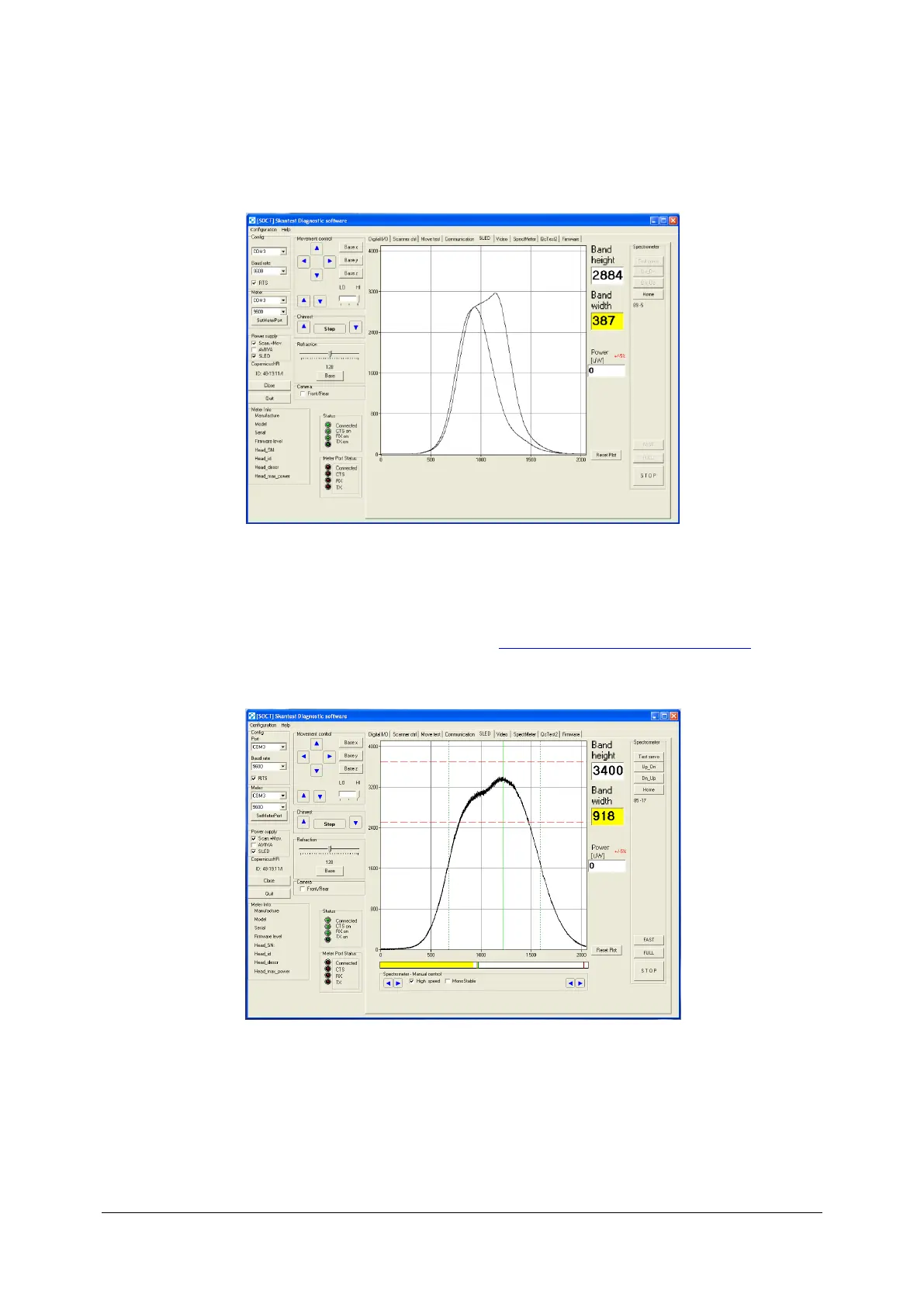
5. Using commands Full calibrate spectrometer. The picture below shows window’s program
after inclusion of function Full.
6. When you finish calibration by using function Full and the height of spectrum does not fit in
range 3100-3400, use function Fast. If the height of spectrum still does not fit in the correct
range correct it using filter reference line ( see: Regulation of filter on reference line).
7. If you have the correct spectrum, turn off program skantest, turn on program Copernicus and
perform control scan.



 To Next Page