SOCT Copernicus PLUS - Service Manual
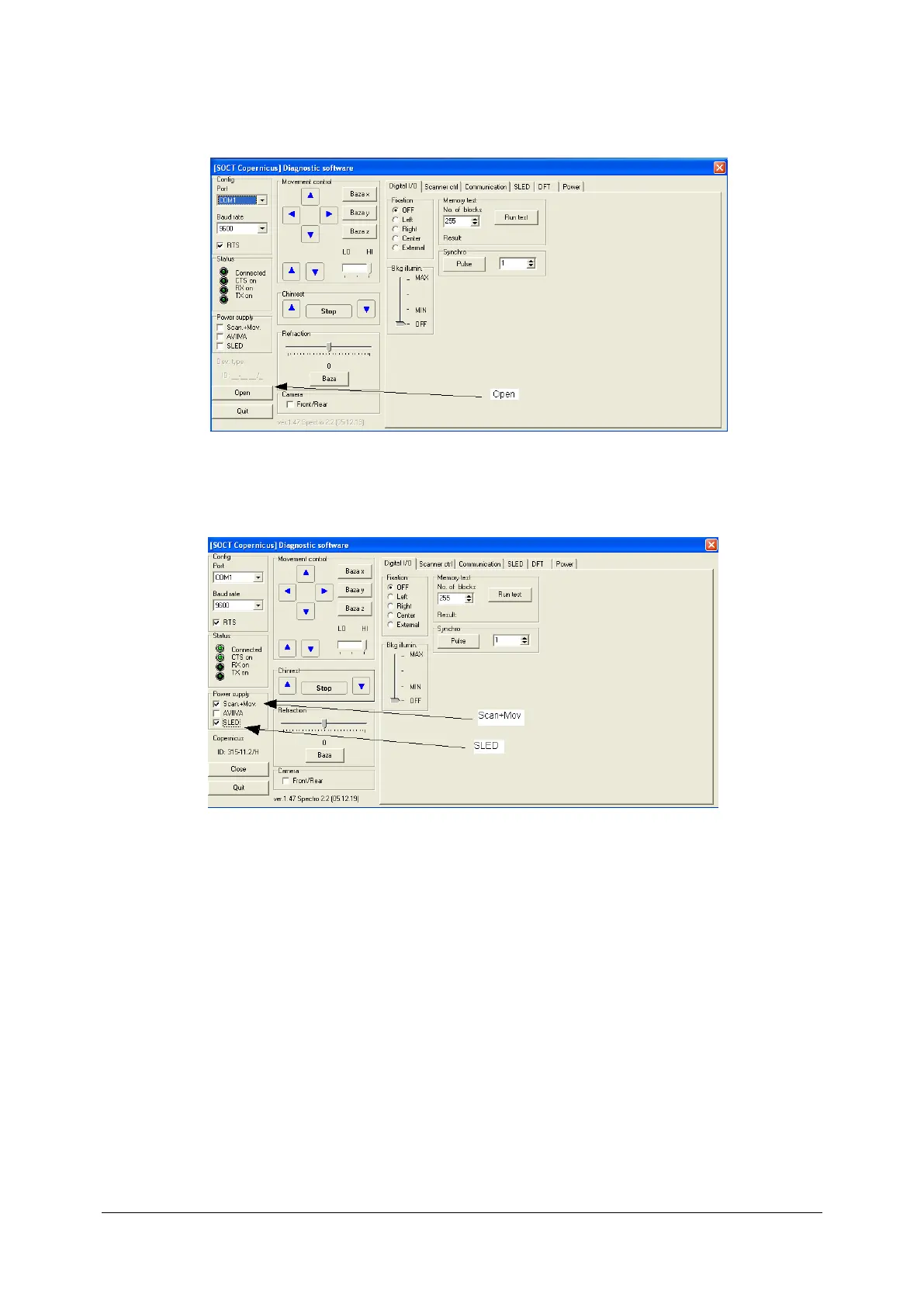
4. Run Skantest program.
5. Switch on Scan+Mov and Sled.
6. Check Reading from power meter. Accurate value should exceed 3,5 mW.
7. If output Power is incorrect check if diode powering is accurate.
8. If Power is correct, reconnect dumper’s plug.
9. If output Power on diode is correct, but there is no Signal on the exit of reference and sample
lane, unplug diode’s fibre connector.



 To Next Page