SOCT Copernicus PLUS - Service Manual
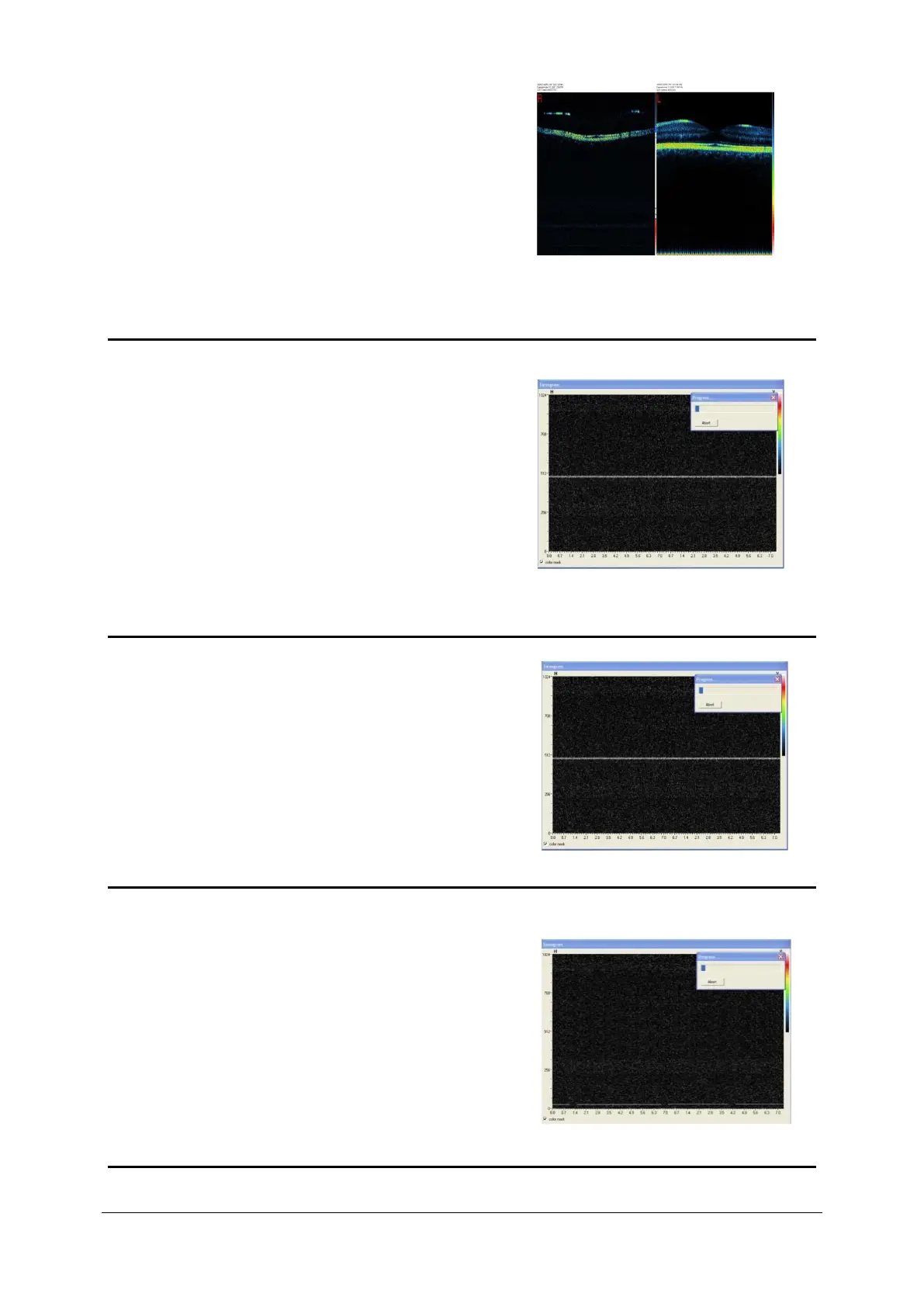
Q10: While performing scans, it’s able to notice that on
height about 700 scan is almost invisible.
A10: Perform spectrometer stability test, check CL cables.
Bad scan Good scan
Q11: Horizontal line appears on tomogram on height
about 500.
A11: Beamsplitter optic fiber connectors are dirty.
Beamsplitter connector on the object line is dirty. Clean
connectors.
Q12: Horizontal line appears on tomogram on height
about 400.
A12: Line comes from AVIVA camera. By adjusting AVIVA
camera angle, try to eliminate line. Check if
spectrometer works properly.
Q13: Sharp horizontal line appears on tomogram on
height about 25-50.
A13: Line comes from AVIVA camera. As for today
knowledge it’s impossible to eliminate that line. If
line is visible on the tomograms and preview (isn’t
covered by background) the AVIVA camera needs
to be replaced. Intensity of the line is different for
each camera.



 To Next Page