SOCT Copernicus PLUS - Service Manual
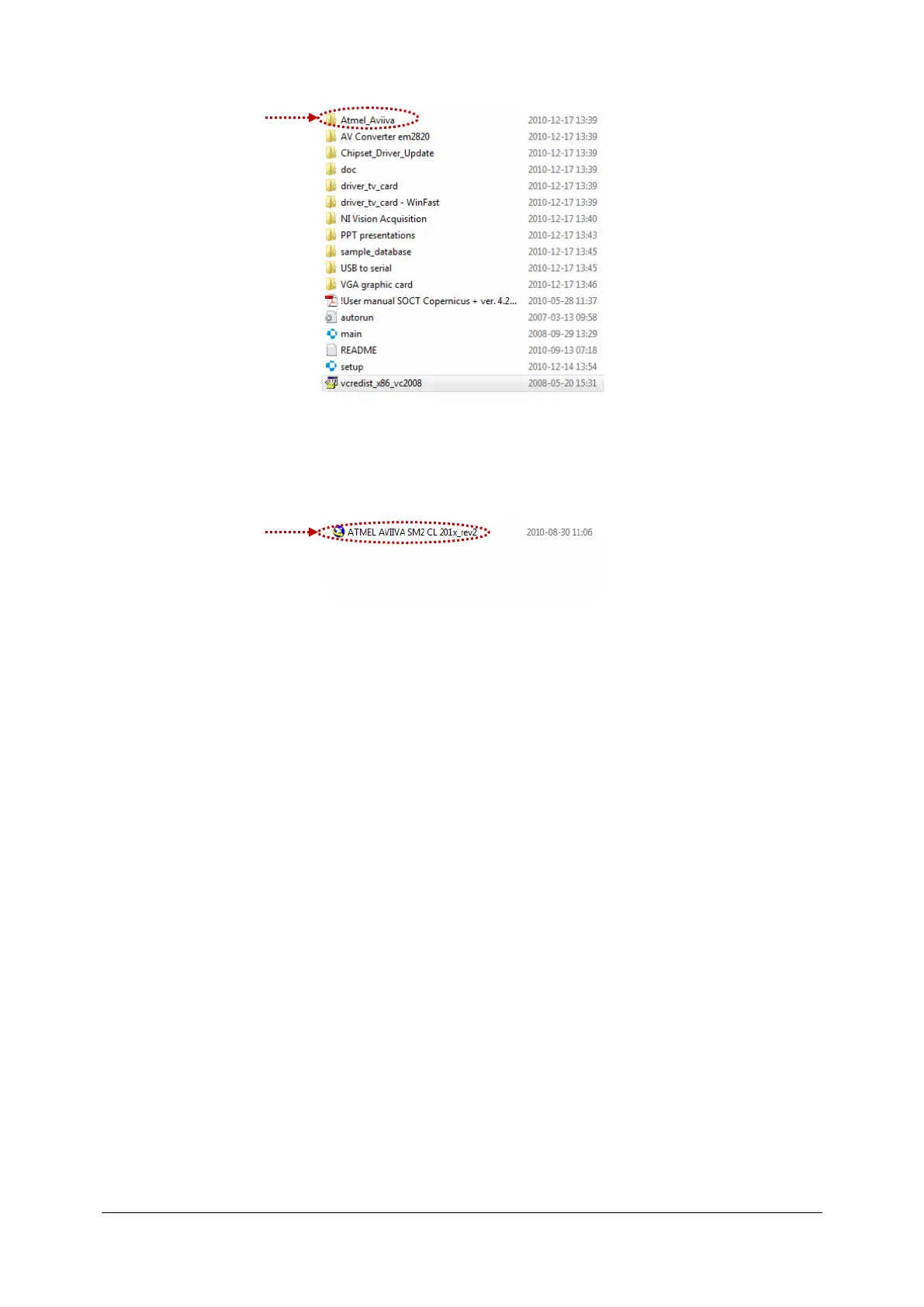
- Copy ATMEL AVIIVA SM2 CL 201x_rev2. File
- Locate the folder on HDD that contains the files “*.icd” using windows search.(menu
Start>Search>files folders). Than right click on any of files and open containing folder.
- Paste setting file from CD to a found folder.
- If a pop-up window appears accept to replace existing file.



 To Next Page