SOCT Copernicus PLUS - Service Manual
Change the National Instruments driver settings.
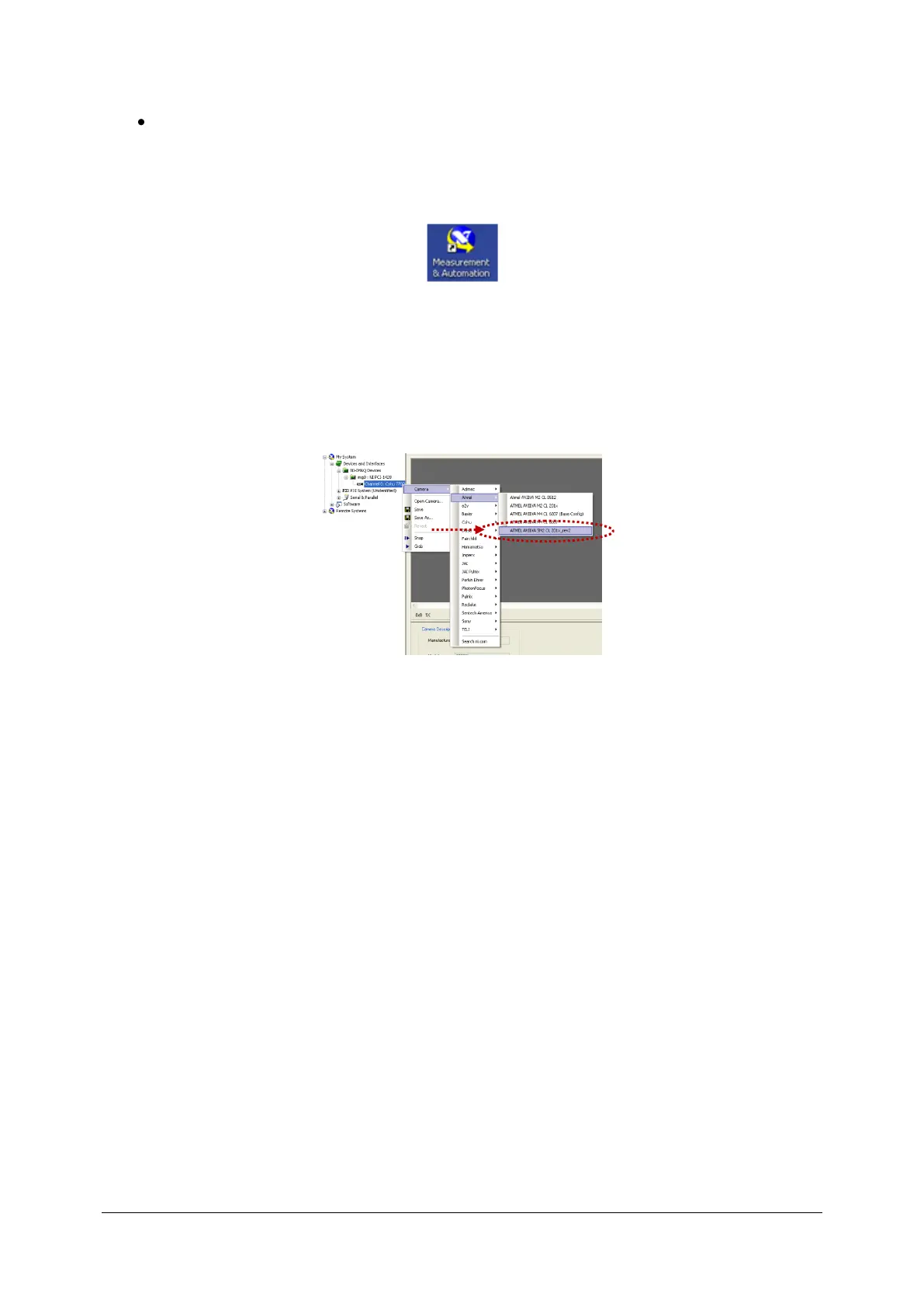
- Double click at NI Measurement & Automation Software tools icon on Windows
desktop.
- Extend My System, Devices and Interfaces, NI-IMAQ Devices, img0: IMAQ PCI-1428.
- Click right mouse button at channel 0.
- Extend Camera, Atmel and select ATMEL AVIIVA SM2 CL 201x_rev2.
- Close the application.



 To Next Page