SOCT Copernicus PLUS - Service Manual
3. Run a program scantest_lt.exe, set chinrest in the lowest position. Set position of head:
maximum to top, maximum to back and in a middle between left and right. Turn off the SOCT
Copernicus.
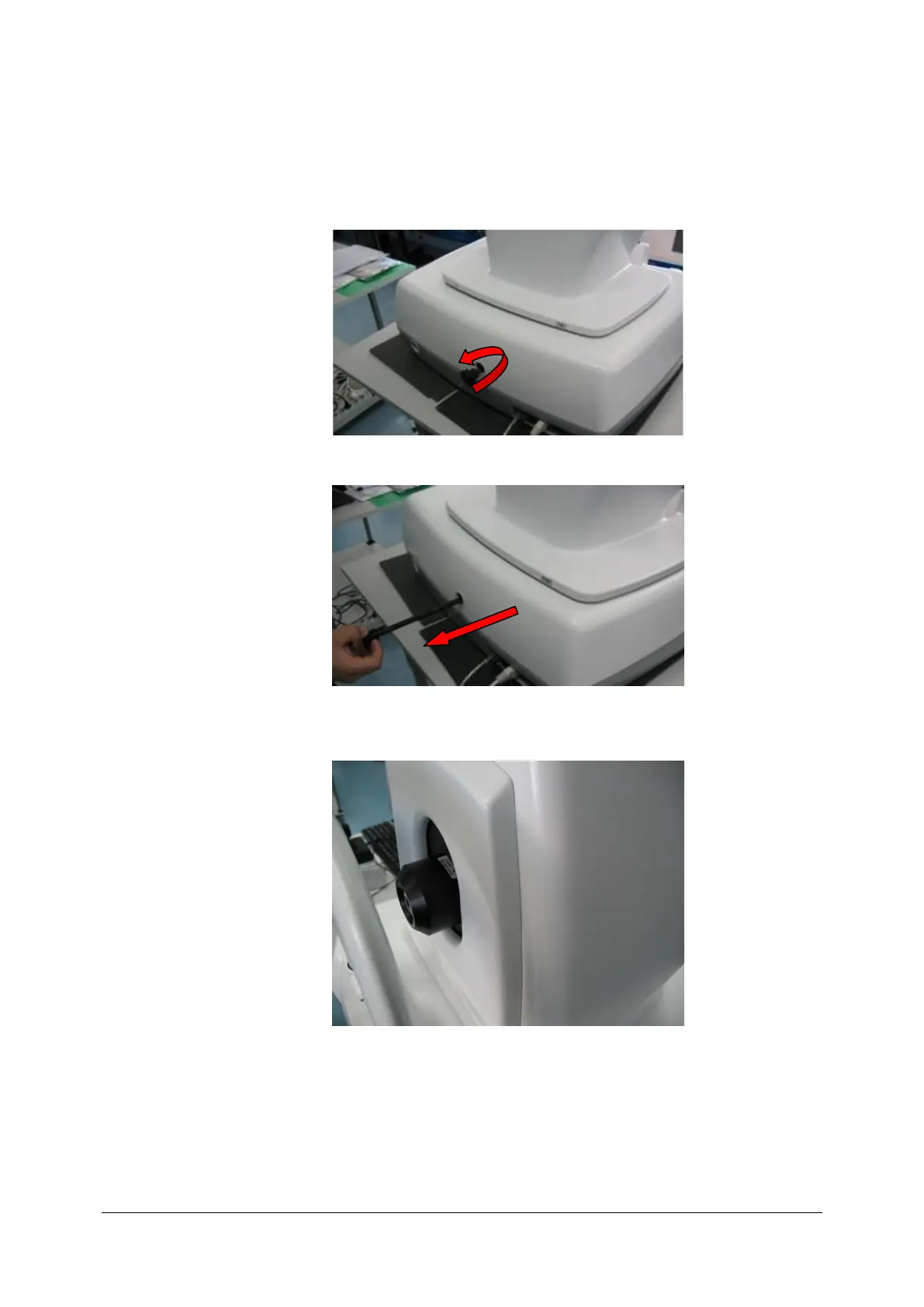
4. Make sure, that blocking device is removed (look picture below).
5. Push objective lens inside (see picture below).
.



 To Next Page