R6
Menu Descriptions and Default Settings
*1 Reset with [Reset] in the [R3] menu.
*2 Can also be set with the control panel.
*3 Reset with [Reset USER Settings] in the [USER] screen.
* Reset with [Reset] in the [R 3] menu.
A4 USER Saves the current camera settings to A on the mode dial.
Save – No
*3
p.R20
Check Saved USER
Settings
––
Reset USER Settings – –
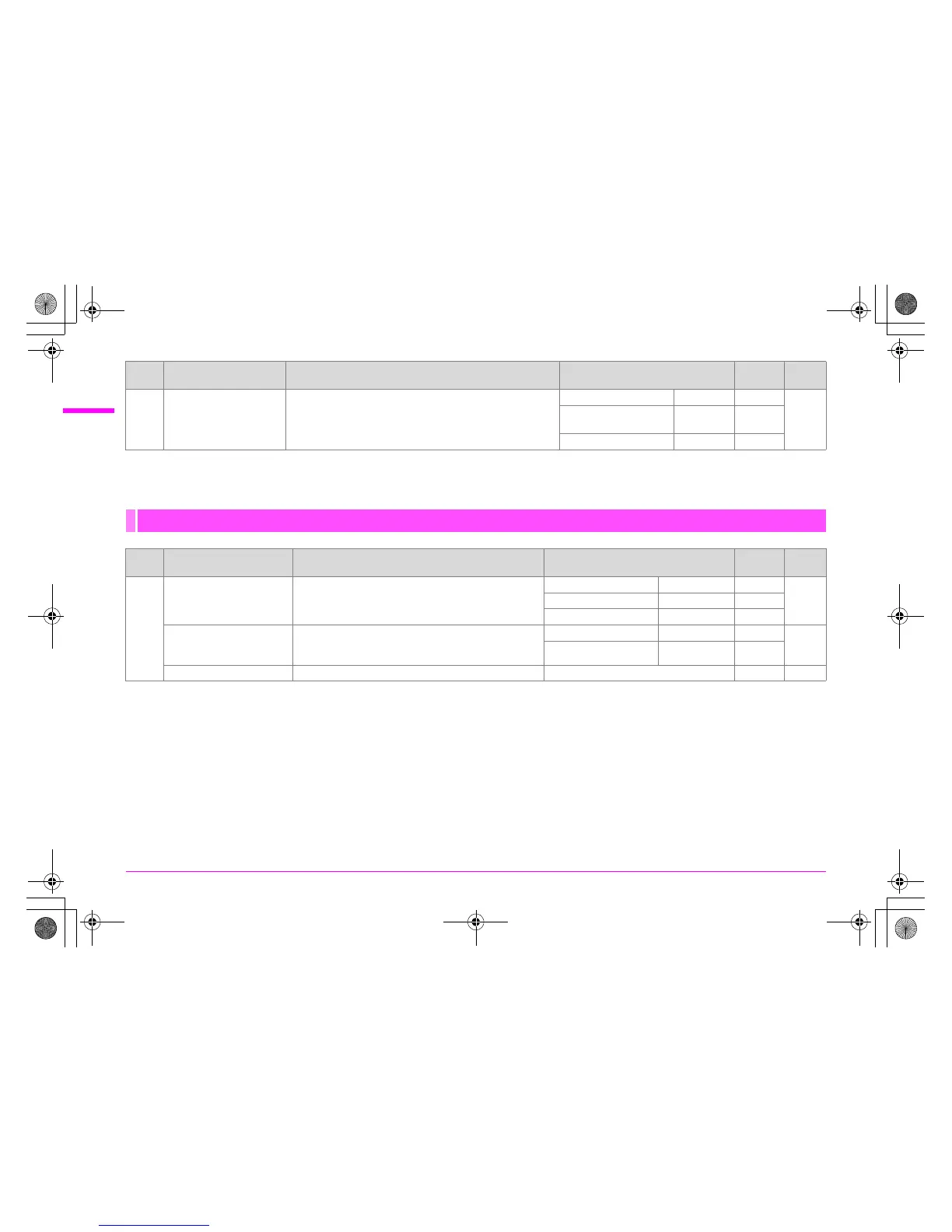
Playback Menu
Menu Item Description Default Setting
Reset
Setting
*
Page
Q1
Slideshow Sets the slideshow display method.
Interval 3sec. Yes
p.R22Screen Effect Off Yes
Repeat Playback P Yes
Playback Display Method
Sets whether to display the Bright/Dark Area warning
and also sets the initial magnification when enlarging
images.
Bright/Dark Area P Yes
p.R22
Quick Zoom Off Yes
Delete All Images Deletes all saved images at once. – – p.R22
Menu Item Description Default Setting
Reset
Setting
*1
Page
e_kb487.book Page 6 Wednesday, December 8, 2010 9:49 AM



 To Next Page