55
Shooting Functions
3
You can create a composite picture by taking multiple frames.
Set this in the [A2] menu. (z p.R17)
Caution
• When Multi-exposure is set, Interval Shooting and Extended
Bracketing are not available.
• Multi-exposure cannot be used with Extended Bracketing or HDR
Capture at the same time. The mode set last is used.
• [Lens Correction] in the [A2] menu is disabled when Multi-
exposure is set.
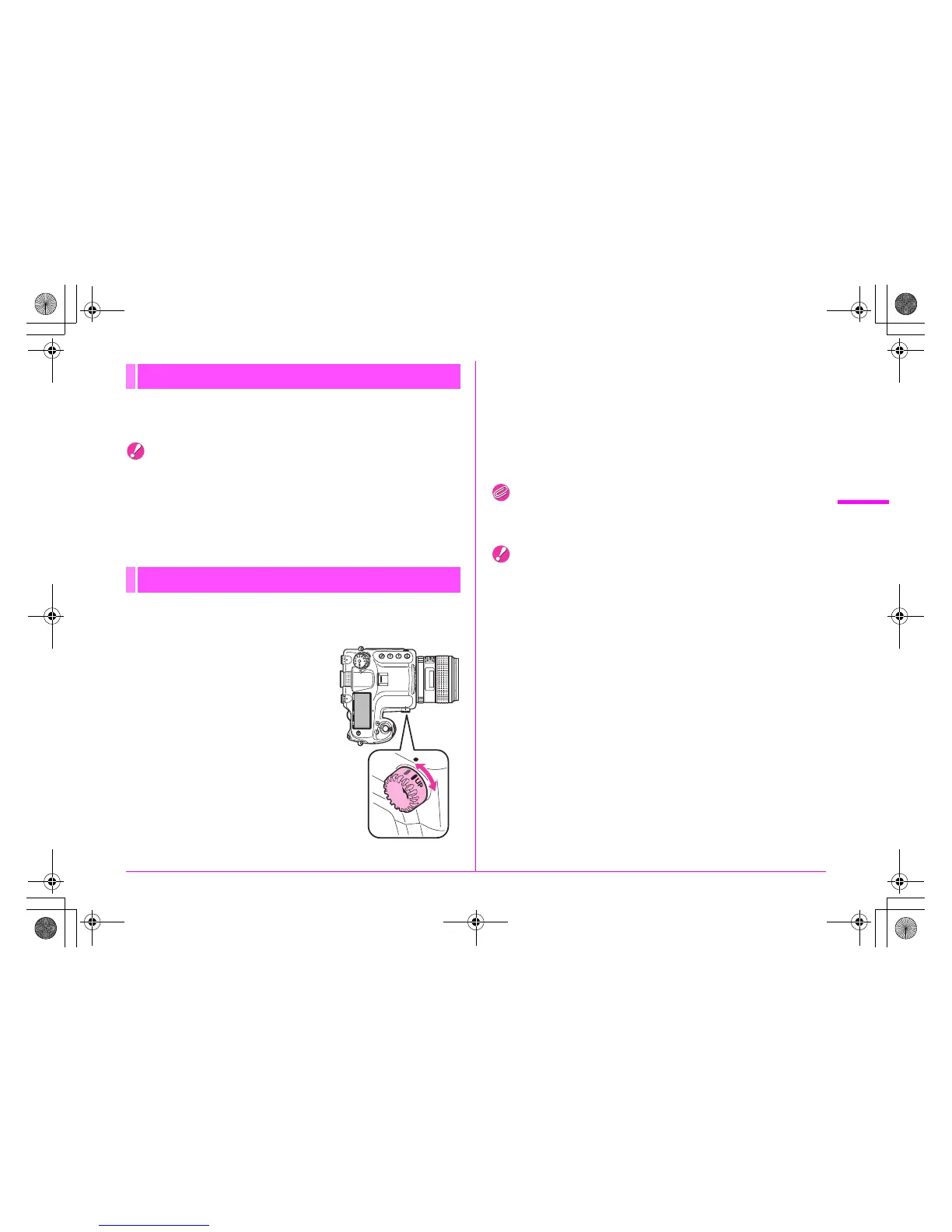
This raises the mirror. You can use this function with another
drive mode.
1 Turn the d dial.
The camera is ready to raise the
mirror.
2 Press the shutter release button fully.
The mirror is raised.
3 Press the shutter release button fully again.
The picture is taken and the mirror is lowered.
To exit mirror lock-up shooting, return the d dial to its original
position.
Memo
• The mirror will be lowered automatically about one minute after
being raised.
Caution
• Turning the mode dial or adjusting the lens aperture ring when the
mirror is raised lowers the mirror.
• Preview is not available when the mirror is raised.
• The mirror will not be raised during Interval Shooting even when
the d dial is set to the “UP” position.
Multi-exposure
Mirror Lock-up
M.UP
e_kb487.book Page 55 Wednesday, December 8, 2010 9:49 AM



 To Next Page