46
Shooting Functions
3
Memo
• You can set whether to link the exposure and AF point in the focus
area during multi-segment metering. Set this with [6. Link AE to AF
Point] in the [A1] menu. (z p.R30)
You can set the sensitivity to [AUTO] (default setting) or a value
in the range equivalent to ISO 200 to 1000.
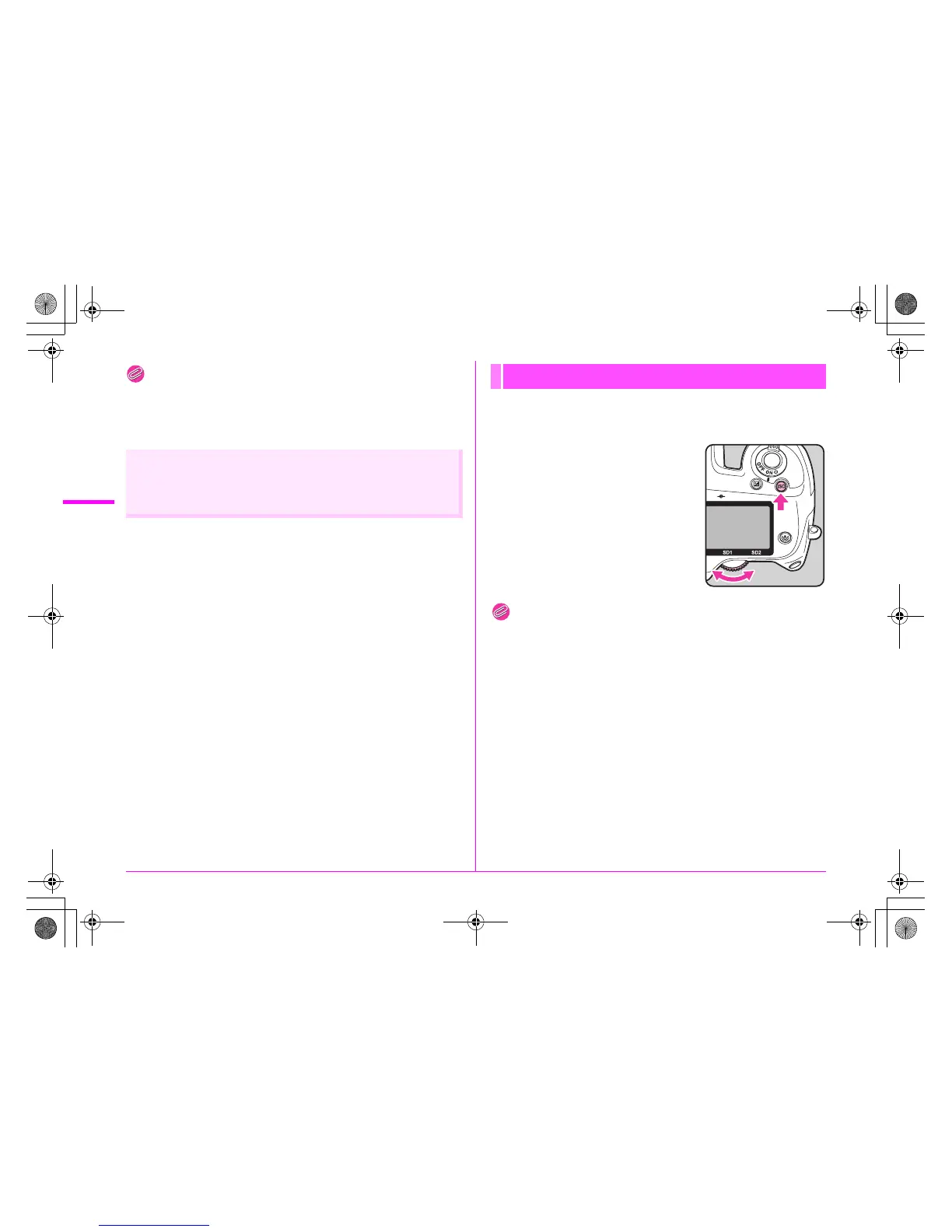
1 Turn the S dial while
pressing the o button.
Press the | button while pressing the
o button to return to [AUTO].
Memo
• Set the range of automatic sensitivity adjustment with [ISO AUTO
Adjustment] in the [A1] menu or on the control panel. (z p.R14)
• You can set the sensitivity in increments of 1 EV or in accordance
with the EV step setting for exposure. It can be set with
[2. Sensitivity Steps] in the [A1] menu. (z p.R30)
• You can expand the sensitivity range to ISO 100 to 1600 with
[3. Expanded Sensitivity] in the [A1] menu. (z p.R30)
• You can reduce noise at high sensitivity with [20. High-ISO Noise
Reduction] in the [A3] menu. (z p.R32)
Meter operating timer
Set the meter operating time with [4. Meter Operating Time]
in the [A1] menu. (z p.R30)
Setting the Sensitivity
e_kb487.book Page 46 Wednesday, December 8, 2010 9:49 AM



 To Next Page