77
Playback and Processing Functions
4
You can retrieve the filter effects already applied to an image,
and reapply them to other images.
1 Select an image for retrieving the digital filter
effects and then select D (Digital Filter) in the
playback mode palette.
2 Select [Recreating filter effects] and press the
4 button.
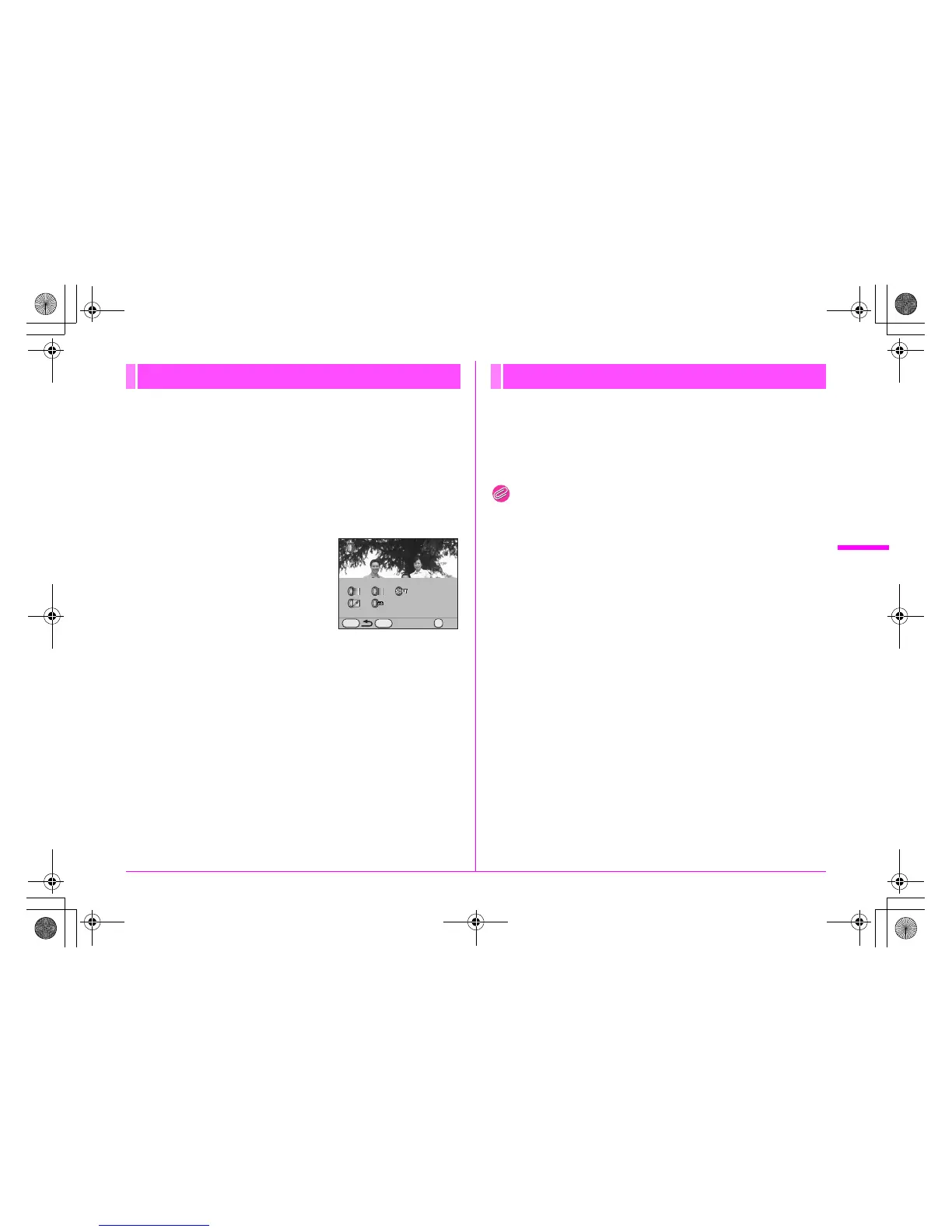
The filter effects applied to the image
appears.
Press the M button to check the
filter parameters.
3 Use the 45 keys to select an image for applying
the same filter effects and press the 4 button.
You can only select an image that has not been processed with a
filter.
4 Select [Save as].
You can search for and display the original image prior to digital
filter application.
1 Select [Searching for the original image] in Step 2
in “Recreating Filter Effects”.
Memo
• If the original image is no longer stored on the SD Memory Card,
the message [Original image, prior to digital filter application, is not
found] appears.
Recreating Filter Effects
OKDetails
OK
MENU
100-0001
INFO
Searching for the Original Image
e_kb487.book Page 77 Wednesday, December 8, 2010 9:49 AM



 To Next Page