54
Shooting Functions
3
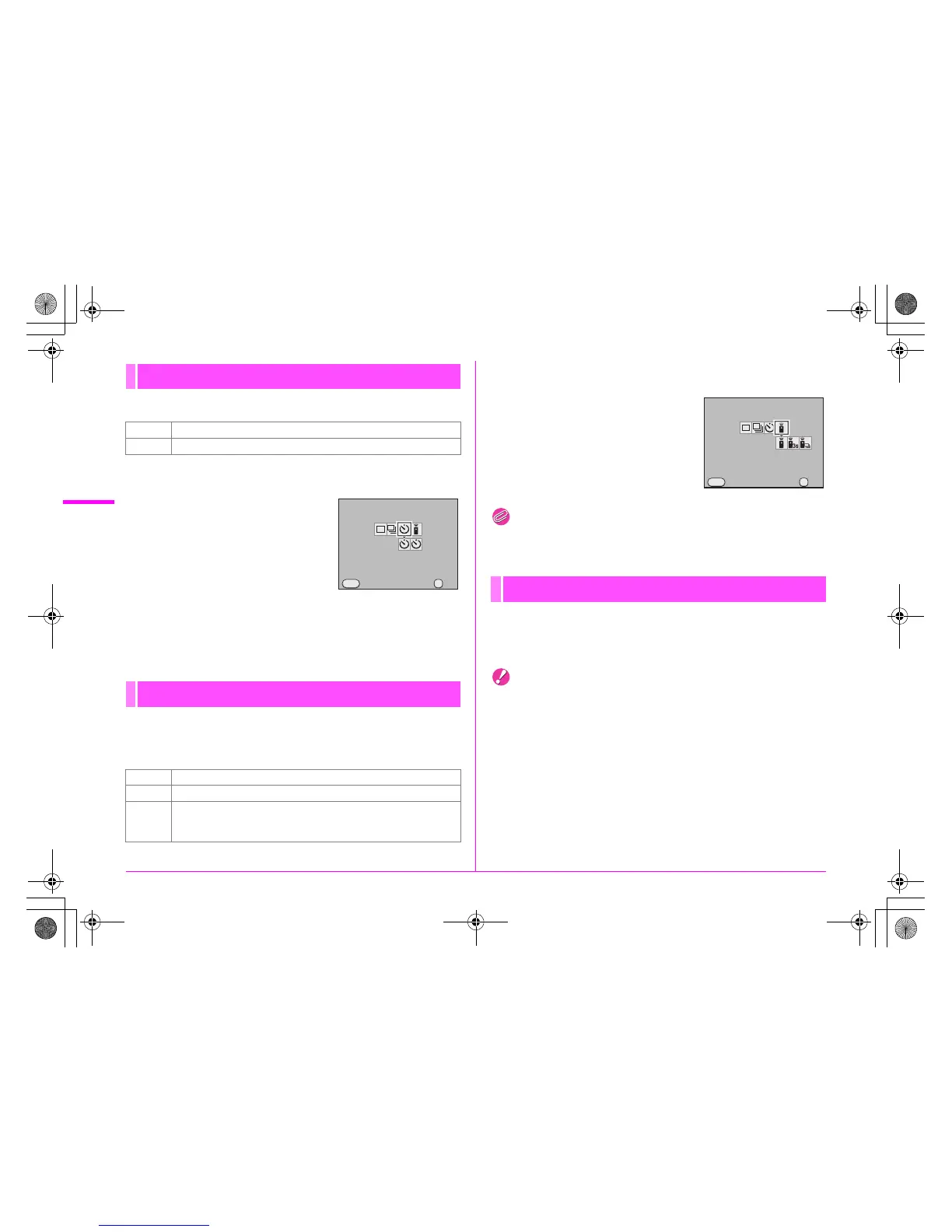
This camera has the following two types of self-timer modes.
1 Select g in the [Drive Mode] screen.
2 Press the 3 key, use the
45 key to select g or Z,
and press the 4 button.
3 Press the shutter release button fully.
When g is selected, the self-timer lamp on the front of the camera
starts blinking slowly and blinks rapidly 2 seconds before the
shutter is released. A beep is heard and the rate increases.
This camera has the following three types of remote control
shooting modes for use with the optional Remote Control F or
Remote Control Waterproof O-RC1.
1 Select h in the [Drive Mode] screen.
2 Press the 3 key, use the
45 key to select h, i or
i, and press the 4
button.
The self-timer lamp blinks.
Memo
• When using the Remote Control Waterproof O-RC1, you can use
the S button on the remote control to enable autofocus.
By specifying the shooting time and interval, you can capture up
to 999 images with Interval Shooting.
Set this in the [A2] menu. (z p.R17)
Caution
• Interval Shooting is not available when the exposure mode is set to
p or when Extended Bracketing or HDR Capture is set.
Self-timer Shooting
g Shutter is released after about 12 seconds.
Z Mirror is raised and shutter is released after about 2 seconds.
Remote Control Shooting
h Releases shutter immediately.
i Mirror is raised and shutter is released after 3 seconds.
i
Continuous shooting starts when the shutter release button on
the remote control unit is pressed. Press it again to stop
shooting.
Drive Mode
Self-timer (12 sec.)
Cancel OK
OK
MENU



 To Next Page